
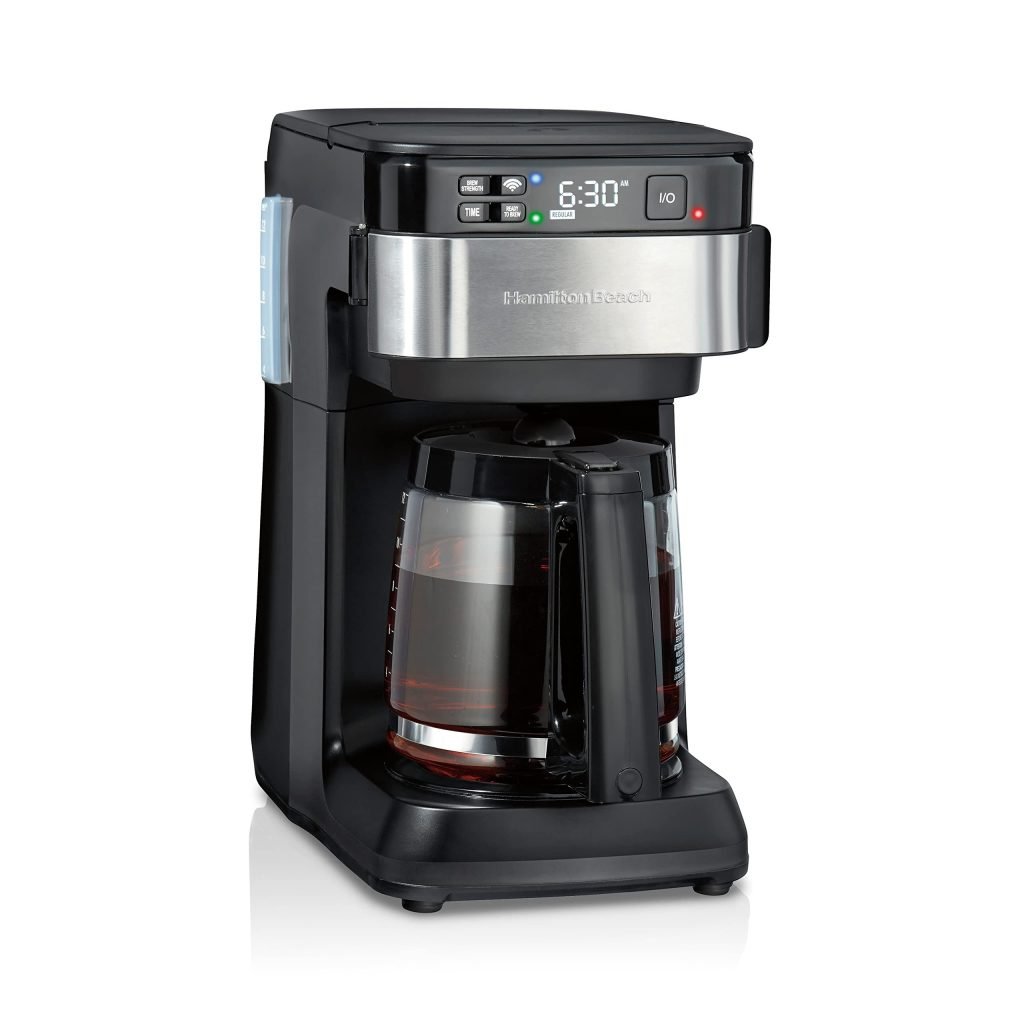
Are you frustrated with your smart coffee maker acting up just when you need your caffeine fix the most? You’re not alone.
These high-tech gadgets, while convenient, can sometimes leave you puzzled when they don’t work as expected. The good news is, you don’t have to be a tech wizard to get your coffee maker back on track. Imagine starting your day with the perfect cup of coffee, brewed exactly the way you like it, without any hiccups.
That’s what we’re here to help you achieve. In this guide, we’ll walk you through simple, practical solutions to common issues, ensuring you can enjoy a seamless coffee experience every morning. So, let’s dive into the world of smart coffee makers and uncover the secrets to keeping them running smoothly. Your perfect cup of coffee awaits!

Credit: iteam.com.ar
Common Issues
Some smart coffee makers won’t turn on. Check the power cord first. Ensure it is plugged in. Also, inspect the socket. Sometimes a circuit breaker might be off. Reset it if needed. Batteries may need replacing in some models. Look for blinking lights. They may indicate low battery. If nothing works, contact the maker’s support.
Wi-Fi connection can be tricky. Ensure your router is close. The coffee maker needs a strong signal. Resetting the router might help. Check the app on your phone. It should be updated. Pairing problems can occur. Sometimes, reconnecting solves the issue.
Water flow problems can arise. Check the water tank. It should be full. Descale the machine if water is slow. Mineral buildup can block flow. Clean filters regularly. They can get clogged. If problems persist, consult the manual.
Resetting Your Device
Press and hold the power button for 10 seconds. This will start the reset process. Some devices need extra steps. Check your manual for details. Make sure your device is plugged in. Unplugging can stop the reset.
Reset your coffee maker if it shows errors. If it won’t brew, a reset might help. Sometimes, the device acts slow. A reset can speed it up. If settings change on their own, try a reset. It can fix many problems.
Cleaning And Maintenance
Keep your coffee maker clean for better taste. Remove coffee grounds daily. Wipe spills and water spots with a damp cloth. Wash removable parts with warm soapy water. Dry them well before putting back. Use a soft brush for stubborn stains. Check the drip tray often. Empty it to avoid overflow.
Descale every month for best performance. Mix equal parts vinegar and water. Fill the water reservoir. Start a brew cycle. Pause halfway. Let it sit for 30 minutes. Finish the cycle. Repeat with plain water to rinse. Check the manual for specific instructions. Ensure all parts are clean.
Software Updates
Software updates keep your coffee maker working well. They fix bugs and improve performance. Updates can add new features too. These updates help in keeping your coffee fresh and tasty. Without them, your smart coffee maker may not work right. Always check for updates to avoid problems. Regular updates ensure your coffee maker runs smoothly.
First, connect your coffee maker to Wi-Fi. Then open the app on your phone. Look for the update button. Tap it to start the update. Make sure your device stays connected. Don’t turn off the coffee maker during the process. Once done, your coffee maker will restart. Now it’s updated and ready to use. Always follow these steps for a successful update.
Performance Optimization
Fine-tuning brew settings can improve coffee taste. Start by adjusting the water temperature. Hotter water extracts more flavors. Experiment with brew strength. Choose a stronger brew for a bold taste. Try different grind sizes. Coarse grind suits longer brew times. Fine grind works well for quick brews. Keep coffee-to-water ratio balanced. More coffee means a stronger brew. Less water makes richer coffee. Adjust these settings for the best taste.
Use fresh coffee beans for better flavor. Stale beans make poor coffee. Clean the coffee maker regularly. Dirt affects taste. Check the filter often. Replace if dirty or torn. Ensure the water reservoir is clean. Use filtered water to avoid impurities. Maintain the grinder for consistent grind size. A clean grinder improves taste. Follow these steps to enjoy quality coffee.

Credit: thehill.com
When To Seek Professional Help
Persistent issues with smart coffee makers may require expert assistance. Difficulty in connectivity or malfunctioning components signals the need for professional support. Ensuring optimal performance and longevity of your device often hinges on skilled intervention.
Identifying Complex Issues
Smart coffee makers can have tricky problems. Some issues need expert help. If the machine won’t turn on, it may be serious. Strange noises or electrical smells are also bad signs. Water leaks are another warning. These problems can cause more damage if not fixed. Safety is important too. Trying to fix these could be dangerous.
Finding Repair Services
Finding a good repair service is key. Start by checking the coffee maker’s warranty. Some brands offer free repairs. Online reviews can help find trusted services. Asking friends for advice is also smart. Local shops might fix coffee makers too. Always ask about prices first. Checking the repair time is wise as well. This helps avoid long waits. A good repair service makes life easier.
Preventive Measures
Clean your coffee maker every day. Use a soft cloth and warm water. Avoid strong chemicals. Check the water tank. Ensure it’s free of debris. Empty the drip tray after each use. Wipe it dry. This stops mold growth. Descale once a month. Use a vinegar solution. It keeps the machine running well. Inspect the power cord. Look for any wear or damage.
Store the coffee maker in a cool, dry place. Keep it away from sunlight. Replace filters regularly. This keeps coffee tasting good. Update the machine’s software if needed. Check the manufacturer’s site for updates. Avoid overloading the machine. Use the correct amount of coffee and water. Inspect the brewing basket. Remove any clogs or buildup. This helps the machine last longer.

Credit: www.amazon.com
Frequently Asked Questions
What Is The Common Problem Of A Coffee Machine?
A common problem with coffee machines is clogged filters, which affect water flow and brewing efficiency. Regular cleaning and descaling help maintain performance. Faulty heating elements can lead to inconsistent coffee temperature. Always check for worn-out seals and gaskets to prevent leaks and ensure optimal functioning.
Why Is My Coffee Machine Turning On But Not Brewing?
Your coffee machine might have a clogged filter or blocked water reservoir. Check for any obstructions. Ensure the water tank is filled properly. Verify all parts are securely connected. Inspect and clean the machine regularly to prevent issues. If problems persist, consult the user manual or contact customer support for assistance.
How To Troubleshoot A Coffee Maker?
Check power connection and ensure the coffee maker is plugged in. Clean filters and descale regularly. Verify water level and temperature settings. Inspect for blockages or leaks. Test with a different outlet if necessary. Consult the user manual for specific troubleshooting tips.
How To Reset Keurig Smart Cafe?
To reset your Keurig Smart Cafe, unplug the machine, wait 60 seconds, and then plug it back in. Follow the on-screen instructions to complete the reset process.
Conclusion
Smart coffee makers can be tricky, but solutions exist. Always start with simple checks. Is it plugged in? Is the water level sufficient? Review the manual for specific issues. Regular maintenance helps prevent problems. Clean your machine often. This keeps it running smoothly.
Resetting can solve many glitches. If problems persist, contact customer support. They can offer expert advice. Technology may seem daunting, but patience helps. Your coffee maker can work perfectly with a little care. Enjoy your coffee, hassle-free.