

Are you ready to take your cooking to the next level with the Breville Smart Oven Air Fryer? This powerful kitchen gadget isn’t just an oven—it’s your new secret weapon for faster, healthier, and tastier meals.
Whether you want crispy fries without the extra oil or perfectly roasted veggies with minimal effort, mastering your Breville Smart Oven Air Fryer will change the way you cook. In this guide, you’ll learn simple steps to get the most out of your appliance, save time, and impress everyone at your table.
Keep reading, and discover how easy it is to make delicious food that you’ll love every time.
Getting To Know The Breville Smart Oven Air Fryer
The Breville Smart Oven Air Fryer has a sleek designand a sturdy build. Its stainless steel body fits well in most kitchens. The controls are simple and easy to use, with a clear display.
This oven offers a large capacity, perfect for cooking meals for families. It can fit a whole chicken or a large pizza. The size is compact enough to save counter space but big enough for most cooking needs.
| Feature | Description |
|---|---|
| Design | Stainless steel, modern look, easy-to-clean |
| Build | Durable with strong materials for long use |
| Capacity | Fits up to 14 pounds of food or 13-inch pizza |
| Size | Compact enough for most kitchen counters |

Credit: www.youtube.com
Setting Up Your Oven
Carefully remove all parts from the box. Check for any damage or missing pieces.
Follow the instruction manual to assemble the rack and crumb tray. Ensure all parts fit securely.
Place the oven on a flat, heat-resistant surface. Keep it away from walls and flammable items.
Allow at least 5 inches of space around the oven for proper air flow.
- Wipe the inside with a damp cloth to remove dust.
- Wash the accessories with warm soapy water.
- Dry all parts completely before use.
- Run the oven empty for 15 minutes to remove odors.
Basic Controls And Functions
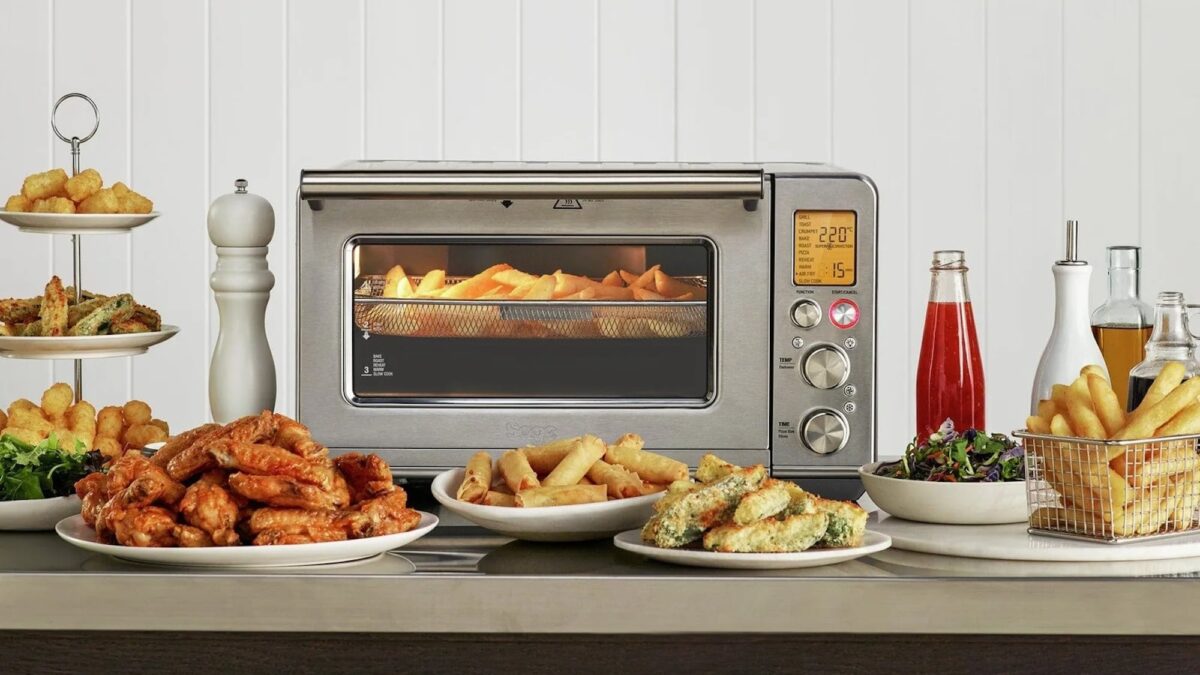
The touchscreenon the Breville Smart Oven Air Fryer is easy to use. Just tap the screen to choose settings. Swipe to scroll through options. The screen shows clear icons for each function.
Selecting cooking modesis simple. You can pick from modes like Air Fry, Bake, Roast, or Broil. Tap the mode you want, and the oven will adjust automatically.
Adjusting temperature and timecan be done on the same screen. Use the + or – buttons to set the temperature. Do the same for the cooking time. The oven shows the changes instantly.
Credit: thegadgetflow.com
Air Frying Essentials
The right basket helps air flow and cooks food evenly. Use the mesh basketfor fries and small items. The roasting panis best for veggies and meat. Avoid overcrowding to get crispy results.
Cut food into similar sizes for even cooking. Lightly coat with oil to make food crispy. Pat dry wet foods to avoid sogginess. Preheat the oven for better cooking results.
| Food | Temperature | Time | Setting |
|---|---|---|---|
| French Fries | 400°F (204°C) | 15-20 mins | Air Fry |
| Chicken Wings | 380°F (193°C) | 25 mins | Air Fry |
| Vegetables | 375°F (190°C) | 10-15 mins | Roast |
| Frozen Foods | 400°F (204°C) | 12-18 mins | Air Fry |
Exploring Additional Cooking Modes
The Breville Smart Oven Air Fryer offers many cooking modes beyond air frying. Toasting and bakingare simple and fast. Toast bread or bake cookies with even heat. It heats up quickly for good results.
Roasting and broilingwork well for meats and vegetables. Roasting cooks food slowly, keeping it juicy. Broiling uses high heat from above to brown or crisp the top.
Dehydrating and slow cookingare perfect for different needs. Dehydrating dries fruits or herbs for snacks. Slow cooking makes tender stews and soups over several hours. Both modes save time and effort.
Cleaning And Maintenance
Remove all accessories carefully to clean them well. Use warm, soapy water to wash racks and trays. Dry them completely before putting back.
Use a soft cloth to wipe the oven inside. Avoid harsh cleaners to protect the surface. Clean the outside with a damp cloth and dry it.
- Keep the oven dry to stop rust and damage.
- Do not use sharp tools to clean the inside.
- Store the oven in a dry place when not used.
- Clean the oven regularly to keep it working well.
Troubleshooting Common Issues
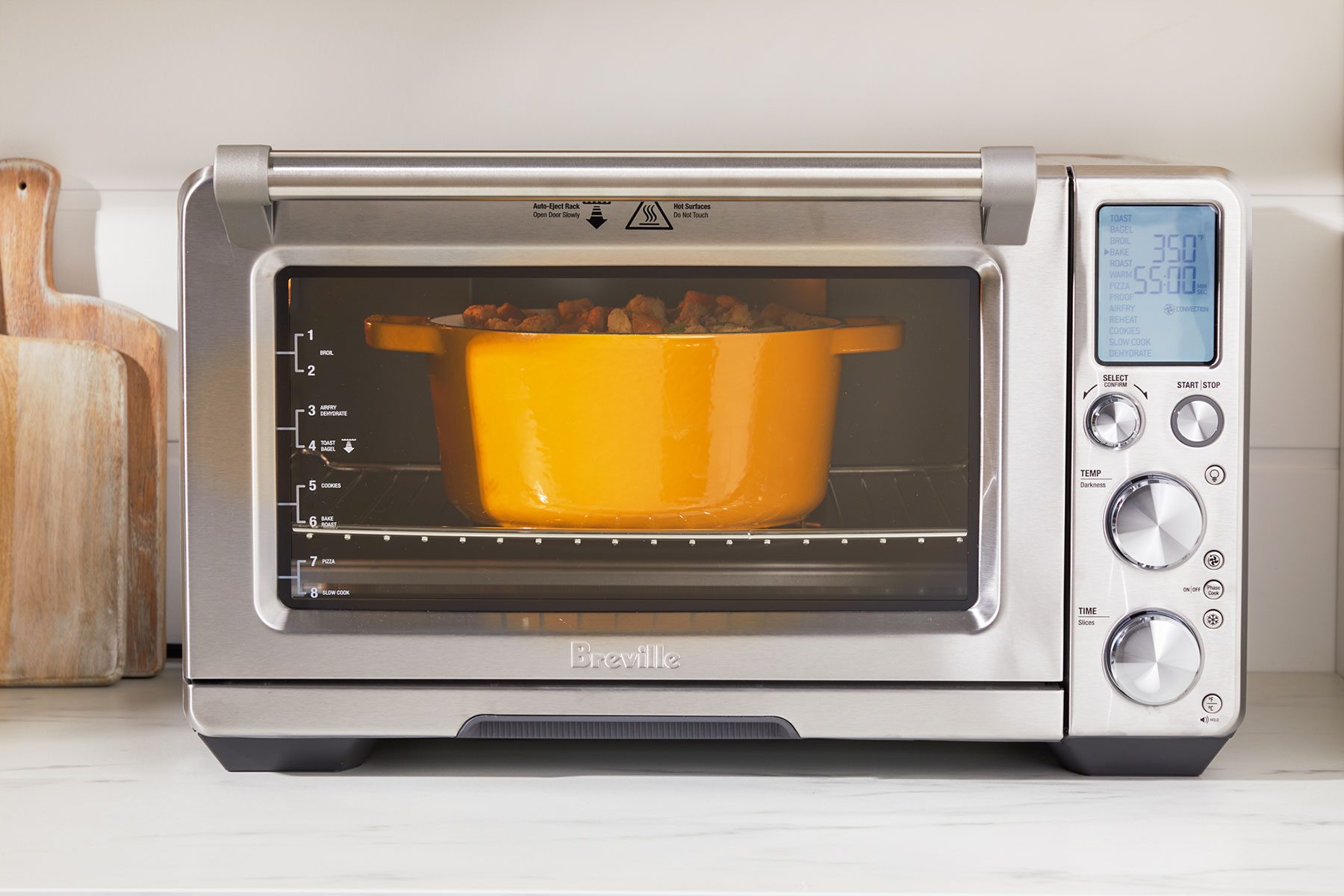
Error messageson the Breville Smart Oven Air Fryer help identify problems quickly. For example, “Err F1”means the sensor is too hot or cold. “Err F2”shows a heating issue. Clearing these errors often needs resetting the oven by unplugging it for a few minutes.
Performance problems like uneven cooking or slow heating might happen. Check if the oven is clean and the racks are in the right position. Make sure the door closes fully. Using the correct settings also improves results.
Contact support when errors do not clear or the oven stops working. Also call if strange smells or noises happen. Keep the purchase date and model number ready for faster help.
Credit: www.tasteofhome.com
Maximizing Your Cooking Experience
The Breville Smart Oven Air Fryer offers several preset programsthat simplify cooking. Choose the right preset for your food type, like air fry, roast, or bake. These programs adjust the temperature and time automatically. This saves time and helps avoid mistakes.
Experimenting with recipes lets you try new foods and flavors. Use the custom settingsto change temperature and cooking time. Test different ingredients to find what you like best. Keep notes of your favorite settings for future use.
- Always place the oven on a flat, heat-safe surface.
- Do not touch hot surfaces; use oven mitts.
- Keep the oven clean to avoid smoke and odors.
- Do not block the air vents during cooking.
- Unplug the oven when not in use.
Frequently Asked Questions
How Do I Set The Temperature On Breville Smart Oven Air Fryer?
To set the temperature, turn the dial to select your desired heat level. The display will show the temperature. Press start to confirm. The oven heats up quickly for precise cooking.
Can I Use The Air Fryer Without The Oven Function?
Yes, you can use the air fryer mode independently. Simply select the Air Fry function and adjust temperature and time. This mode circulates hot air for crispy results with less oil.
What Accessories Come With The Breville Smart Oven Air Fryer?
The oven includes an air fry basket, baking pan, roasting rack, and crumb tray. These accessories optimize cooking performance for various recipes and make cleanup easy.
How Do I Clean The Breville Smart Oven Air Fryer?
Unplug the unit and let it cool completely. Remove accessories and wash with warm, soapy water. Wipe the interior and exterior with a damp cloth. Avoid harsh chemicals to preserve the appliance.
Conclusion
The Breville Smart Oven Air Fryer offers many cooking options. It cooks food faster and uses less oil. You can air fry, bake, roast, and toast easily. The controls are simple and clear to use. Cleaning the oven is quick and stress-free.
Try different recipes to enjoy its full benefits. This oven fits well in any kitchen. Start cooking with it and enjoy tasty meals daily.