

Imagine preparing dinner with a kitchen gadget that seems to know what you want before you do. That’s the magic of a smart range.
If you’ve ever felt overwhelmed by the array of buttons and settings on your cooking appliances, you’re not alone. But don’t worry, mastering a smart range is easier than you think, and it could revolutionize the way you cook. Picture this: precise temperature control, automatic updates, and cooking advice tailored just for you, all at your fingertips.
By the end of this guide, you’ll not only know how to use a smart range but wonder how you ever cooked without one. Stick around, and discover how to transform your cooking experience with the ultimate kitchen assistant.
Benefits Of Smart Ranges
Smart ranges offer precise cookingcontrol. You can set the exact temperature needed. This helps in cooking food just right. No more undercooked or overcooked meals. Enjoy better taste and texture.
Save on electricity billswith a smart range. It uses less energy compared to old models. This helps the environment too. Smart ranges heat up quickly. This means less wasted energy.
Control your range with a smartphoneapp. This makes cooking easy and fun. You can adjust settings from anywhere in the house. Some smart ranges even connect to voice assistants. This makes cooking hands-free and simple.
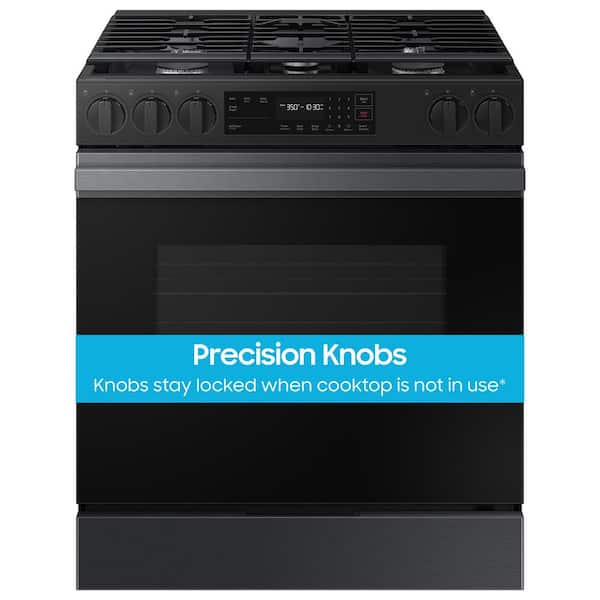
Credit: www.homedepot.com
Getting Started With Your Smart Range
Begin by finding a good spot for your smart range. Make sure it’s near a power outlet. Plug it in carefully. Follow the instructions in the manual. It tells you how to set up safely. Double-check the connections. This helps avoid any problems later.
Connect the range to your home Wi-Fi network. Open the settings menu. Look for Wi-Fi options. Choose your home network. Enter the password. Wait for it to connect. Check if the connection is stable. This step is crucial for smart features.
Download the app from your device’s app store. Install it on your phone or tablet. Open the app and create an account. Follow the setup steps in the app. This lets you control the range from your device. You can set timers and adjust settings easily.
Exploring Smart Range Features
Smart ranges offer precise temperature control. This helps in cooking your food perfectly. You can set the temperature with just a touch. The range keeps the heat steady. No more guessing if the food is cooked right.
These ranges suggest recipes based on ingredients. You can find new ideas every day. Just input what you have. The smart range will offer recipes. Cooking becomes fun and easy. Try something new today!
Smart ranges allow remote monitoring. You can check your cooking from anywhere. Use your phone or tablet. Make sure your food is cooking well. Turn off the range even if you are not home.

Credit: www.amazon.com
Cooking Tips With Smart Technology
Smart ranges have timers that help with cooking. Set the timer to match your recipe. Timers will alert you when food is ready. This prevents burning or overcooking. Keep your food tasty and safe.
Voice commands make cooking easy. Speak to your smart range. Say what you want it to do. It listens and follows your instructions. You can keep your hands free for other tasks. This makes cooking fun and simple.
Smart ranges have different cooking modes. Each mode is for a specific dish. Choose the right mode for better results. This helps in making your meals delicious. Explore these modes to cook like a chef at home.
Maintenance And Troubleshooting
Keeping your smart range clean is important. Use a soft cloth for wiping the surface. Avoid harsh chemicals. They can damage the finish. Clean spills immediately. This prevents stains. Check filters regularly. Replace them if dirty. Proper cleaning keeps your range working well.
Smart ranges need updates. Connect to Wi-Fi for updates. Software updates improve performance. They fix bugs. Check for updates monthly. Install updates promptly. This ensures your range works smoothly.
Sometimes smart ranges have problems. Power issues might occur. Check the plug first. Temperature problems can happen. Check settings if food cooks unevenly. Use the manual for solutions. If problems persist, contact support.
Maximizing Your Cooking Experience
Smart ranges help you try new dishes easily. The precise temperature controls ensure your food cooks just right. Some models even suggest recipes. This way, you can explore different cuisines. Cooking becomes fun and less stressful.
Smart accessories like thermometers make cooking easier. They tell you when food is ready. Some pans are designed for smart ranges. They heat evenly and quickly. This means better results for your meals.
Cooking for a party is now simple. Smart ranges help manage multiple dishes. You can control them from your phone. This allows you to focus on your guests. Enjoy hosting without the hassle.
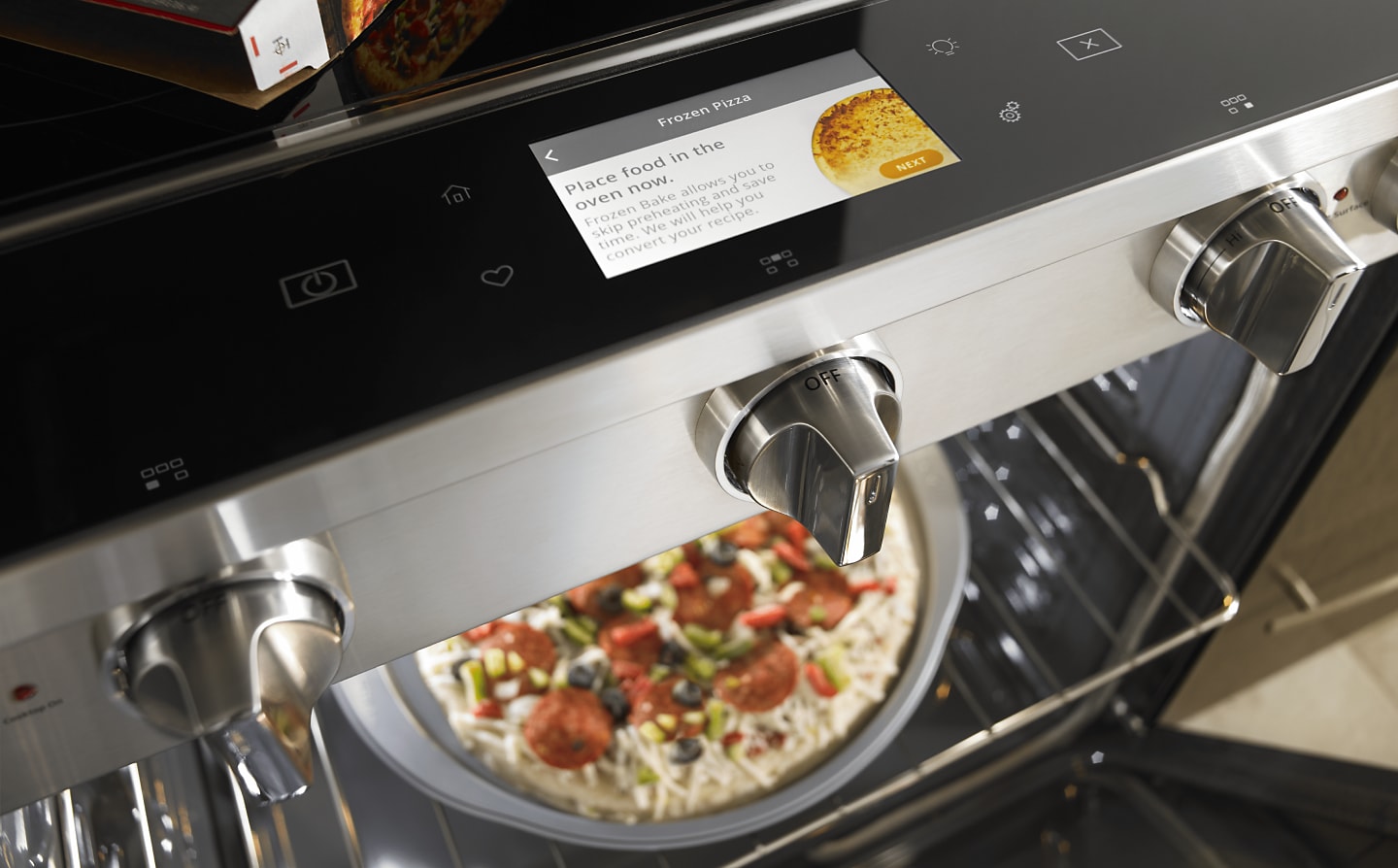
Credit: www.whirlpool.com
Frequently Asked Questions
How To Use A Smart Things Stove?
To use a SmartThings stove, first download the SmartThings app. Connect the stove to your Wi-Fi network. Follow the app’s instructions for pairing. Use the app to control temperature settings and monitor cooking progress. Ensure firmware updates for optimal performance.
Always follow safety guidelines while using the stove.
How Do Smart Stoves Work?
Smart stoves connect to Wi-Fi, allowing remote control via smartphone apps. They adjust temperature and cooking time automatically. Features include voice commands, recipe guidance, and energy efficiency. Sensors ensure safe operation by detecting overheating or gas leaks. These features enhance cooking convenience and safety.
Can A Smart Oven Or Stove Be Turned Off Remotely?
Yes, you can turn off a smart oven or stove remotely. Use the manufacturer’s app or compatible smart home system. Ensure your device is connected to Wi-Fi for remote access. Always follow safety guidelines and check compatibility before using this feature to prevent accidents.
How To Start A Smart Oven?
Press the power button to turn on the smart oven. Select your desired cooking mode and temperature. Use the control panel or app for settings. Confirm and start cooking by pressing the start button. Follow the oven’s instructions for best results.
Conclusion
Smart ranges simplify cooking. They offer convenience and precision. Using them is straightforward. Follow the steps outlined above for great results. Explore various settings for different recipes. Get comfortable with your smart range’s features. Routine practice makes cooking easier. Enjoy the benefits of smart technology in the kitchen.
It enhances cooking experiences with efficiency and ease. Smart ranges are becoming household essentials. They bring modern solutions to everyday cooking. Try out your smart range today. Discover how it fits into your culinary routine. A smart choice for smarter kitchens.