
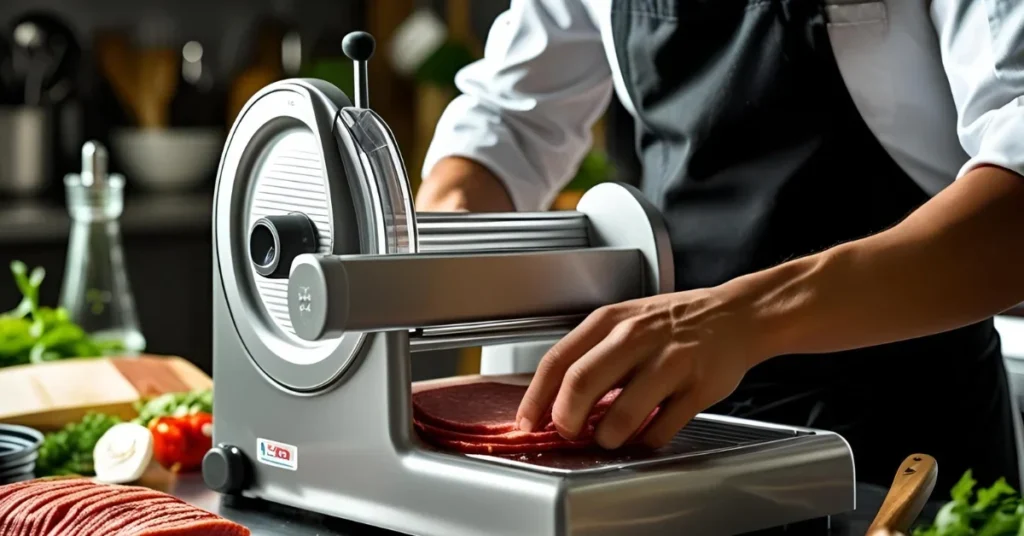
Do you struggle to get perfect thick slices every time you use your Chef’sChoice slicer? You’re not alone.
Getting the right thickness can be tricky, but once you master a few simple tips, your slicing will become effortless and precise. In this guide, you’ll discover easy steps to slice thick pieces just the way you want, saving you time and frustration.
Keep reading, and you’ll soon enjoy perfectly cut slices for your meals, snacks, and recipes.
Choosing The Right Chef’schoice Slicer
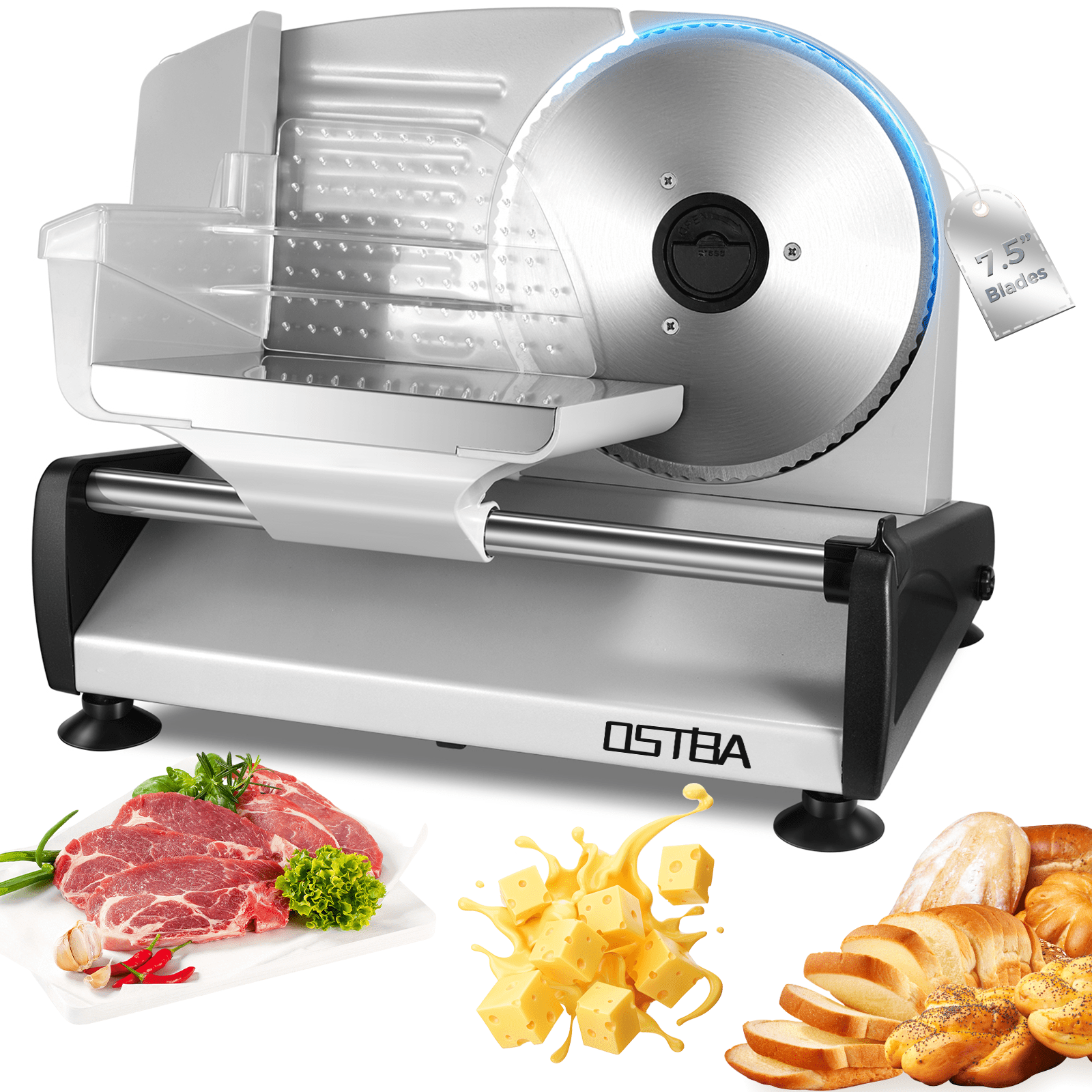
Choosing the right Chef’sChoice sliceris key for thick slices. Some models are better for thick cuts than others. Look for slicers with adjustable thickness settingsand a powerful motor. These features help slice through dense foods easily.
Models that offer a wide bladeand sturdy buildwork well. They keep the slicer steady and safe. A removable bladeis good for easy cleaning and maintenance.
| Feature | Why It Matters |
|---|---|
| Adjustable Thickness | Lets you choose slice thickness easily |
| Powerful Motor | Slices thick or hard foods without strain |
| Wide Blade | Handles large or thick foods better |
| Removable Blade | Makes cleaning quick and safe |
Credit: www.walmart.com
Preparing Your Ingredients
Choose fresh, firm ingredients for easier slicing with the Chef’sChoice slicer. Wash and dry them well before cutting into manageable pieces. This preparation helps achieve thick, even slices quickly and safely.
Selecting The Best Meats And Vegetables
Choose meats that are fresh and firm. Fresh meats give better slices. Pick vegetables that are crisp and vibrant. Avoid soft or wilted vegetables. Firmness ensures easy slicing. Freshness enhances flavor.
Chilling And Handling Tips
Keep meats and vegetables cold. Cold ingredients slice better. Use a fridge to chill them. Handle all foods with clean hands. Clean hands stop germs. Use a clean cutting board. A clean board keeps slices safe.
Setting Up The Slicer
Set the slicer on a clean, flat surface. Plug it in and switch it on. Locate the thickness dial or knob on the machine. Turn the dial slowly to select the thickness for your slices. For thick slices, choose a higher number or setting.
Check that the blade is sharp and clean before slicing. Use the food holder or guard to keep your fingers safe. Never touch the blade while the slicer is plugged in. Keep hands away from moving parts during operation.
- Use the food pusher for better grip and safety.
- Wear cut-resistant gloves if possible.
- Keep the slicer unplugged when not in use or cleaning.
- Follow all manufacturer safety instructions.
Techniques For Thick Slicing
Place the ingredient firmly on the slicer. Make sure it lies flat. This helps to get even, thick slices. Keep the food steady to avoid slips.
Hold the ingredient with a gentle grip. Too tight can crush it. Too loose can cause uneven cuts. Find the right balance for safety and control.
Apply steady pressure while slicing. Press evenly to get smooth, thick cuts. Avoid pushing too hard or too soft. Consistent pressure helps maintain thickness.
Move the food slowly across the blade. Quick motions can lead to uneven slices. Slow and steady is the key.
Cleaning And Maintenance
Start by unplugging the slicer for safety. Remove the blade cover carefully. Lift the blade out without touching sharp edges. Take out the food carriage and other removable parts.
Wash all parts with warm, soapy water. Use a soft cloth or sponge to clean. Avoid soaking electrical components. Dry all pieces thoroughly before reassembling.
Keep the slicer clean to help it last longer. Wipe the machine after each use. Check for food bits stuck in small spaces. Regular cleaning keeps blades sharp and slicer working well.
- Unplug before cleaning
- Remove and clean blade and carriage
- Use warm, soapy water
- Dry parts completely
- Wipe machine after use
- Inspect for stuck food bits
Credit: www.walmart.com
Troubleshooting Common Issues
Uneven cuts often happen if the food is not placed firmly against the blade. Keep the item steady and press gently but firmly while slicing. Check if the blade is clean and free from sticky residue. A dull or damaged blade also causes uneven slices.
Blade sharpening is key for smooth, even cuts. Use the sharpener that comes with the Chef’sChoice slicer. Regular sharpening keeps the blade in good shape. Replace the blade if it gets chipped or too dull to sharpen.
| Issue | Cause | Solution |
|---|---|---|
| Uneven Cuts | Food not held firmly, dull blade | Hold food steady, clean and sharpen blade |
| Dull Blade | Long use without sharpening | Sharpen blade regularly or replace it |
| Blade Damage | Chips or cracks | Replace blade immediately |
Credit: www.walmart.com
Frequently Asked Questions
How Do I Adjust Thickness On Chef’schoice Slicer?
You can adjust thickness using the slicer’s built-in dial or lever. Turn it to select your desired slice thickness. The slicer allows precise control, ensuring consistent thick slices every time.
What Safety Tips Should I Follow With This Slicer?
Always use the safety guard and keep hands clear of blades. Unplug the slicer when not in use. Clean blades carefully to avoid injury and maintain slicer performance.
Can I Slice Different Foods With Chef’schoice Slicer?
Yes, it’s ideal for meats, cheeses, breads, and vegetables. Adjust thickness accordingly for each food type. Its versatility makes it useful for various slicing tasks.
How Do I Clean The Chef’schoice Slicer Properly?
Unplug the slicer before cleaning. Remove the blade carefully and wash with warm, soapy water. Wipe the base with a damp cloth and dry thoroughly.
Conclusion
Slicing thick pieces with the Chef’sChoice slicer is simple. Follow the steps carefully for even, smooth cuts. Keep the blade sharp and handle the slicer safely. This tool saves time and effort in the kitchen. Practice a few times to get comfortable with the process.
Enjoy perfectly sliced pieces every time you use it. This slicer fits well in any home kitchen. Try it out and see the difference yourself.