
Imagine this: you’re stuck in traffic, it’s getting late, and the thought of preparing dinner from scratch fills you with dread. But what if you could preheat your oven before you even walk through the door?
With the rise of smart technology, this isn’t just a fantasy—it’s a game-changing reality. In this guide, we’ll reveal the secrets to preheating your smart oven remotely, giving you the power to streamline your cooking routine effortlessly. By the end of this article, you’ll wonder how you ever lived without this clever kitchen hack.
Ready to unlock the potential of your smart oven and make meal prep a breeze? Let’s dive in.

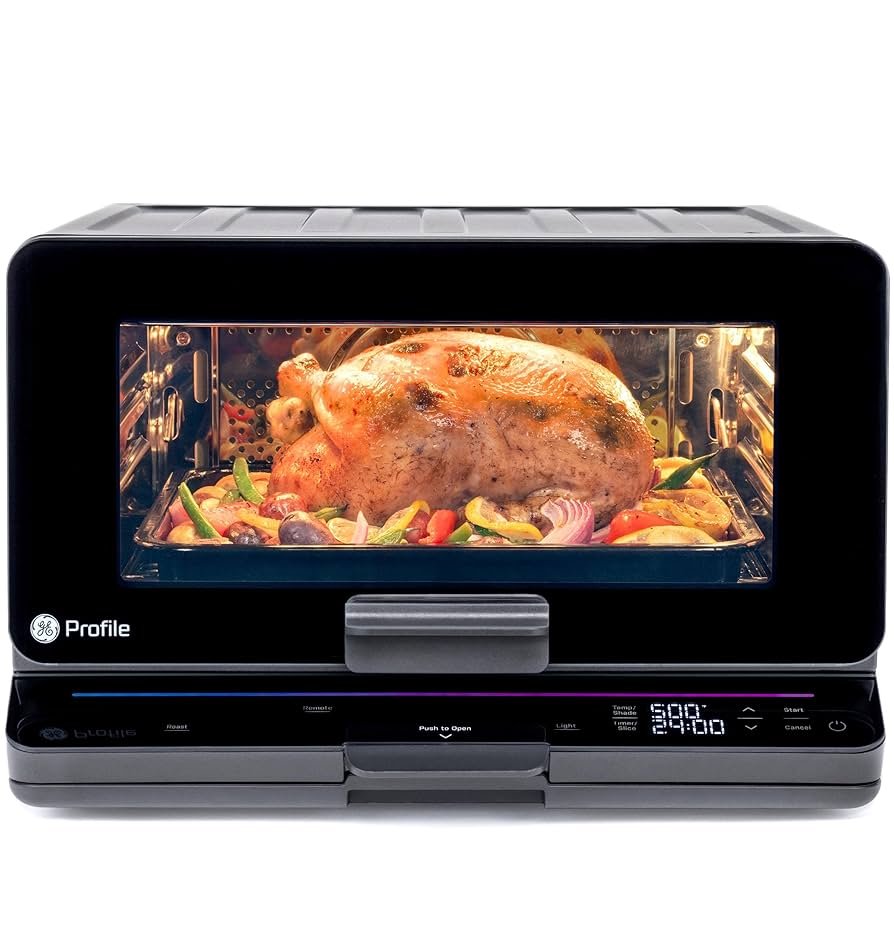
Credit: www.amazon.com
Benefits Of Preheating Your Smart Oven Remotely
Preheating your smart oven remotely saves time. You can set it from anywhere. This means you can start cooking right away. It helps in keeping your scheduleon track. You won’t have to wait for the oven to warm up.
It also makes cooking more convenient. Imagine coming home and your oven is ready. It makes preparing meals much easier. You can also control your oven with a simple app. This makes the process hassle-free.
Preheating remotely can also save energy. You can set the exact time you need. This avoids leaving the oven on too long. It helps in reducing electricitybills. Enjoy a more efficient cooking process.
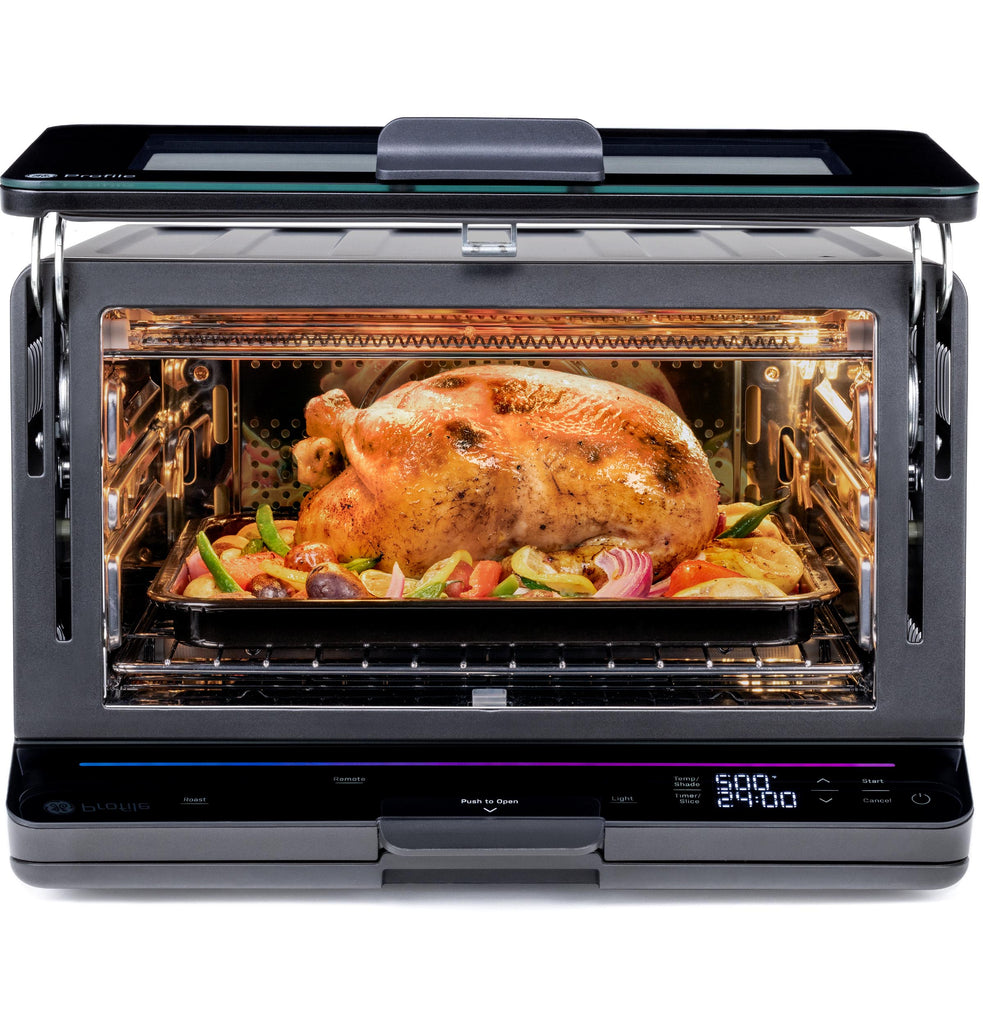
Credit: geaprstore.com
Choosing The Right Smart Oven
Smart ovens come with many features. Some are very important. Look for remote control options. This lets you start the oven from far away. Wi-Fi connectivity is also crucial. It helps the oven connect to your phone. Check for energy efficiency. It saves power and money. A user-friendly interface makes it easy to use. Voice commands can be handy too. Look for safety features like auto shut-off. These features make cooking safe and fun.
Many smart ovens work with apps. Check app compatibility before you buy. Some ovens use special apps. Others work with popular apps. Make sure your phone supports the app. Easy setup is important. You want it to work quickly. Regular updates keep the app running smoothly. They add new features too. Apps should be easy to use. This makes controlling the oven simple. Compatibility ensures you use the oven from anywhere.
Setting Up Remote Access
First, make sure your smart oven is plugged in. Check if your oven has Wi-Fi support. Turn on the Wi-Fi feature on the oven. Open your phone settings. Select your home Wi-Fi network. Enter your Wi-Fi password. Connect the oven to the same network. The oven should now be online.
Visit the app store on your phone. Search for the oven’s brand app. Download the app to your phone. Open the app after installation. Sign up if you’re new. Log in if you already have an account. Follow the setup steps in the app. Link your oven to the app. Now you can control your oven from anywhere.
Remote Preheating Process
Open the smart oven app on your phone. Find the preheat option. Tap to start the preheat function. Set the temperature you want. Confirm your settings. Wait for the oven to reach the set temperature. Use the app’s notification feature to know when it’s ready.
Ensure your oven is empty before preheating. Keep the area around the oven clear. Check the app for any error messages. Use a stable internet connection. Avoid leaving the oven on for long periods. Monitor oven activity through the app. Keep children away from the oven during operation.
Troubleshooting Common Issues
Preheating a smart oven remotely involves syncing your device with the oven’s app. Ensure both your smartphone and oven are connected to Wi-Fi. Follow app instructions to set the desired temperature and time, monitoring progress through real-time updates.
Connectivity Problems
Smart ovens need strong Wi-Fi signals. Weak signals can cause connection issues. Place the router closer to the oven. This helps improve the signal strength. Restart the router if the signal is weak. Reset the oven’s network settings as a last resort. Try to ensure the oven’s firmware is up-to-date. Sometimes, old software can cause connectivity problems.
App Malfunctions
App errors can be frustrating. First, check if the app is updated. Uninstall and reinstall the app if needed. This can fix many issues. Clear the app’s cache regularly. It helps the app run smoother. Ensure your phone’s software is current. Sometimes, outdated phone software can cause app malfunctions.
Enhancing Cooking Efficiency
Smart ovens can make cooking easier and faster. You can schedule preheat times using your phone or tablet. Choose a time when you want the oven ready. The oven will start heating at that time. This helps you plan better. No need to wait for the oven to heat up. You can start cooking right away. It’s great for busy families. It saves time and effort.
Smart ovens can connect with other smart devices. They work with smart speakers and home assistants. You can tell your oven to start preheating. Just use your voice. It’s simple and easy. No need to press buttons. This makes cooking more fun. You can control your oven from anywhere. Even when you are not at home. This makes life much easier.
Future Trends In Smart Oven Technology
Smart ovens are getting new features every day. Some ovens can be controlled with voice. This means you can talk to your oven. It will listen and follow your commands. Many ovens now connect with your smartphone apps. You can set the temperature from anywhere. Some ovens even learn your cooking habits. They remember your favorite settings. This makes cooking easy.
Modern kitchens are changing fast. Smart ovens save time and energy. You can start cooking before you get home. No need to wait for preheating. This helps when you are busy. Kitchens are now more efficient and fun. Smart ovens can also send you alerts. They tell you when food is ready. You will never burn your dinner again. With smart ovens, cooking is now easy for everyone.

Credit: shop.sharpusa.com
Frequently Asked Questions
Is There An Oven You Can Preheat From Your Phone?
Yes, smart ovens allow you to preheat from your phone using specific apps. Brands like Samsung and LG offer this feature, enhancing convenience and kitchen efficiency. Explore models compatible with Wi-Fi or smart home systems for remote control capabilities. Enjoy modern cooking flexibility and save time with smart oven technology.
Can I Turn My Oven On Remotely?
Yes, you can turn your oven on remotely if it has smart features. Use a compatible app or device for control. Ensure your oven supports remote operation by checking its manual or manufacturer’s website. Always follow safety instructions when using remote oven features.
Can A Smart Oven Or Stove Be Turned Off Remotely?
Yes, many smart ovens and stoves can be turned off remotely via smartphone apps. Ensure your appliance supports this feature. Always check the manufacturer’s instructions for remote capabilities and safety guidelines. This convenient option adds safety and energy efficiency to your kitchen routine.
How Do I Remotely Enable My Ge Oven?
Download the GE Appliances app on your smartphone. Connect your oven to Wi-Fi following the app’s instructions. Enable the remote feature in the app settings. Ensure your oven control lock is off. Now, control your GE oven remotely via the app.
Conclusion
Preheating a smart oven remotely saves time and hassle. It’s convenient for busy schedules. With a few taps, your oven is ready. No more waiting around. Technology makes cooking simpler and more efficient. Enjoy warm meals without extra effort. Remember to follow safety tips for smart oven use.
Always check settings before activating. This feature brings ease to your kitchen routine. Embrace the benefits of modern appliances. Prepare delicious meals with less stress. Keep exploring new smart cooking options. They can enhance your culinary experience. Happy cooking!