
Imagine hosting a barbecue and effortlessly monitoring your meat’s temperature right from your phone. No more guessing if it’s cooked perfectly or risking an overdone meal.
With today’s smart technology, you can achieve precision cooking without being chained to the grill. This guide will show you how to leverage your smartphone to ensure your meat is cooked just the way you like it, every time. Whether you’re a seasoned grilling pro or a kitchen newbie, mastering this technique will elevate your cooking game.
Dive in to discover how this simple trick can revolutionize your culinary experience and make your next meal unforgettable.
Smart Meat Thermometers
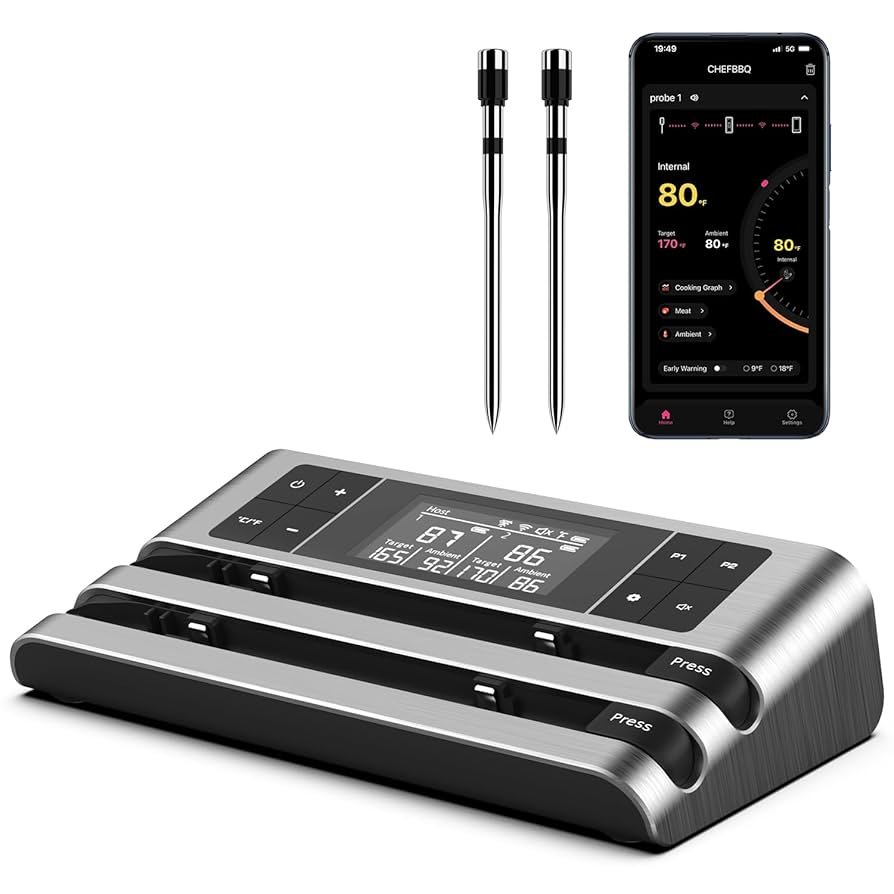
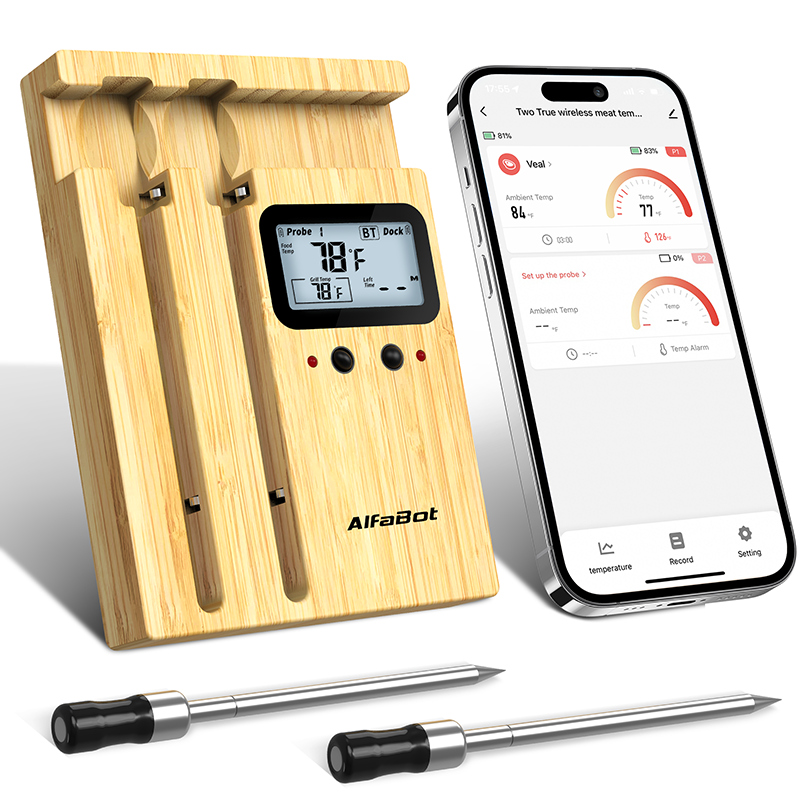
Smart meat thermometers help you cook meat perfectly. They connect to your phone. You can check the temperature anytime. Look for models with long battery life. It’s important. Some thermometers have multiple probes. You can check many meats at once. Waterproof features are great for outdoor cooking. A wide temperature range is also useful. It helps with different meats. Make sure the app is easy to use. You don’t want to struggle with it. Notifications are helpful too. They tell you when your meat is ready.
Many brands offer smart meat thermometers. ThermoPro is a popular choice. They have reliable models. Meater is another trusted brand. It’s known for wireless options. Weber iGrill works well with grills. It’s preferred by many grill lovers. Inkbird is also famous. They offer budget-friendly options. Each brand has different models. Choose what fits your needs best. Check online reviews for more details. They can help you decide.
Credit: www.ideebo.com
Setting Up Your Device
Start by unboxing your meat thermometer. Check for all parts. You need the probe, the base unit, and the charger. Follow the instructions inside. Plug the charger in. Charge the device fully.
Installation Guide
Place the probein the meat. Connect it to the base unit. Ensure a stable connection. This helps in getting accurate temperature readings. Keep the base unit nearby. This ensures smooth communication.
Pairing With Your Phone
Download the app from the app store. Open the app. Follow the on-screen steps. Connect the device via Bluetooth. Watch for pairing confirmation. Once paired, you can monitor the meat temperature. Check the app for real-time updates. This makes cooking easier and safer.
Using Mobile Apps
The app interface is easy to use. It shows the meat’s temperatureclearly. You can see the numbers and colors. Green means the meat is fine. Red means the meat is too hot.
The app also has other functions. You can set alerts. The app will tell you if the meat is done. You can also save favorite settings. This helps if you cook the same meat often.
Real-time monitoring means you see the meat’s temperaturenow. No waiting. You can check it while watching TV. You can even check it outside. The app shows updates every second.
This helps in cooking perfect meat. You get instantalerts. No need to worry about overcooking. The phone makes it easy.
Temperature Alerts
Using your phone to check meat temperature is easy. Set up custom alertsfor your meat. This keeps your food safe. You can choose how you want to get alerts. Use push notificationsor text messages. This helps you know when your meat is ready. You can also set the desired temperaturefor your meat. The app will alert you when it reaches this temperature.
Make alerts fit your needs. Choose how often you want updates. You can also set different alertsfor different meats. This helps in cooking different meals at once. Turn off alerts if you don’t need them. This keeps your phone quiet. Use the app settings for this.
Alerts help avoid overcooking. They tell you when to check the meat. Adjust your cooking time as needed. This keeps your food tasty. Use the app to set timers. Timers help remind you to check the meat. This makes cooking easy and fun.
Tips For Accurate Readings
Place the probe in the thickest part of the meat. Avoid bones. Bones can give false readings. Ensure the probe is fully inserted. Check that it is not touching the grill. Proper placement ensures accurate temperature readings. Always double-check before cooking. This helps to prevent mistakes.
Regular calibration is crucial. It maintains accuracy. Follow the manufacturer’s instructions. Use ice water for testing. Ensure the device reads 32°F. Adjust if it is off. This keeps your readings reliable. Calibration should be done often. It keeps the device working well.

Credit: www.amazon.sa
Troubleshooting Common Issues
Losing connection can be frustrating. Make sure your device is within range. Check the Wi-Fi or Bluetooth settings. Sometimes, restarting the app helps. Keep your phone updated. Avoid obstacles like walls. They can block the signal. Turn off other devices that interfere. This might solve the issue.
Getting wrong readings can ruin your meal. Always place the probe correctly. Make sure it is not touching bone. Bones can cause wrong readings. Clean the probe after use. Dirt can affect accuracy. Use a calibrated thermometer. This ensures you get correct readings. Replace the batteries if needed. Low battery can cause errors.
Enhancing Your Cooking Experience
Smart thermometers can connect with other devices. Use a smart speaker to get updates on your meat temperature. Link it with your phone to receive alerts. Imagine sitting on the couch and knowing the meat’s doneness. This helps in cooking without stress. It’s all about making life easier. These gadgets are a big help in the kitchen.
Many apps offer recipe ideas with cooking tips. They guide on how long to cook different meats. Some apps also suggest the best temperature settings. This ensures perfectly cooked meals every time. Having tips handy can boost your confidence in cooking. Always try new recipes and learn more about cooking. It makes the process fun and exciting.

Credit: www.elitechus.com
Frequently Asked Questions
How To Check The Temperature Of Cooked Meat?
Use a meat thermometer to check the temperature. Insert it into the thickest part of the meat. Ensure it reaches the recommended safe temperature: 145°F for pork, 160°F for ground meats, and 165°F for poultry. Avoid touching bones, fat, or the pan for accurate readings.
Is There A Meat Thermometer App For Iphone?
Yes, there are apps for iPhone that connect with smart meat thermometers. Popular options include the Weber iGrill app and Meater app. These apps provide temperature monitoring, cooking guides, and notifications, enhancing your cooking experience. Ensure your thermometer is compatible with your chosen app for best results.
Can You Use A Digital Thermometer For Meat?
Yes, a digital thermometer can be used for meat. Ensure it’s suitable for cooking temperatures and insert it correctly. Digital thermometers provide quick, accurate readings, helping you achieve perfectly cooked meat safely. Always check the thermometer’s specifications for compatibility with meat.
How To Use A Bluetooth Meat Thermometer?
Turn on the Bluetooth meat thermometer and pair it with your smartphone app. Insert the probe into the meat. Monitor the temperature through the app for precise cooking. Adjust settings as needed and receive alerts when your meat reaches the desired temperature.
Conclusion
Monitoring meat temperature from your phone simplifies cooking. It ensures perfectly cooked meals. No more guesswork. You gain confidence in cooking meat safely. Smart thermometers offer convenience and accuracy. Great for busy cooks. These devices save time and reduce stress.
You can focus on other tasks. Perfect for multitasking in the kitchen. Enjoy delicious, well-cooked meals every time. Using technology makes cooking easier and more enjoyable. Try it today and enhance your cooking experience. Your dishes will thank you.