
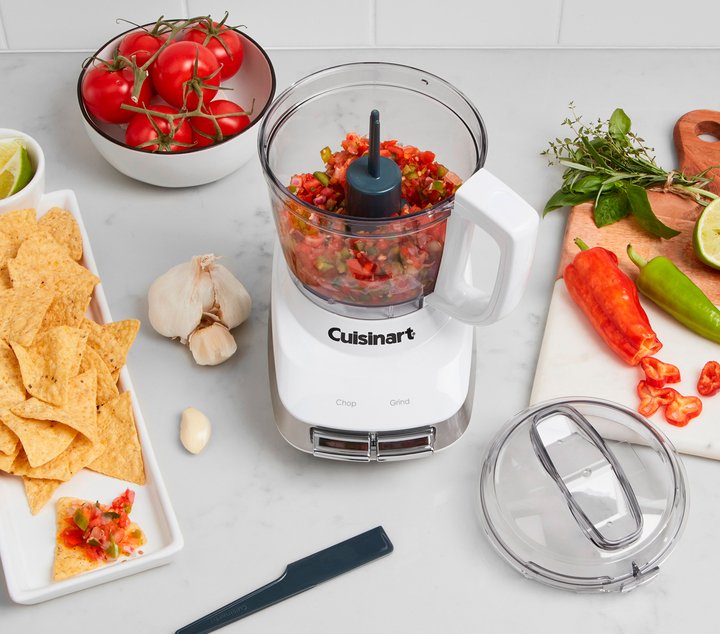
Is your full-size food processor acting up just when you need it most? You’re not alone.
These powerful kitchen tools make meal prep faster and easier, but when something goes wrong, it can throw off your entire cooking plan. Don’t worry—this troubleshooting guide is here to help you fix common problems quickly. Whether your processor won’t turn on, is leaking, or making strange noises, you’ll find simple solutions that save you time and frustration.
Keep reading to get your food processor back in perfect working order today!
Common Issues
Processor Won’t Start:Check if the appliance is plugged in securely. Make sure the lid is locked properly; safety features stop it from running if not. Examine the power outlet by testing with another device. A blown fuse or tripped circuit breaker can also cause issues.
Unusual Noises:Strange sounds might mean something is stuck inside. Turn off and unplug the processor, then look for food debris or broken parts. The motor or blade assembly might be damaged and need replacement.
Blade Not Spinning:Ensure the bowl and lid are locked correctly; the motor won’t engage otherwise. Check if the blade is jammed with food or debris. A worn or broken drive shaft can stop the blade from moving.
Leaking from the Base:Leaks often happen due to a damaged bowl or seal. Inspect the sealing ring for cracks or tears. Overfilling the bowl can also cause leaks during processing.
Power Problems
Ensure the food processor is plugged in. Check if the outlet works. Try another appliance in the same socket. This confirms if the power source is active.
Look for any cuts or damage on the power cord. A broken cord can stop the processor. Replace the cord if it looks damaged. This helps the processor work again.
Check if the bowl and lid are properly aligned. The processor won’t start if parts aren’t locked. This is a safety feature. Ensure the processor is assembled correctly.
Blade And Bowl Fixes
Cleaning the blades is important for good performance. Remove food stuck on the blades and dry them well. Check if the blades sit straight and do not wobble. Misaligned blades can cause poor chopping or damage.
Make sure the bowl fits firmly on the base. A loose bowl can stop the processor from working. Align the bowl so the safety locks click into place. This keeps the machine safe and running smoothly.
Damaged parts need to be replaced quickly. Cracked bowls or bent blades can be dangerous. Use parts recommended by the manufacturer. This ensures your food processor works safely and lasts longer.
:max_bytes(150000):strip_icc()/faw-mini-food-processors-primary-rkilgore-0828-1-ef83ffc1910f4bc29b822ca52c5ee722.jpeg)
Credit: www.foodandwine.com
Motor Troubleshooting
Overheating can cause your food processor’s motor to stop working. Check if the motor feels hot. Let it cool down for 15 to 30 minutes. Avoid running the processor for long times without breaks. Make sure the vents are not blocked. Keep the machine clean to help air flow.
To reset the motor, unplug the device first. Wait for a minute or two, then plug it back in. Some models have a reset button near the motor. Press it gently to restart the motor. This can help clear minor issues.
Call a technician if the motor still won’t start after cooling and resetting. Strange noises, burning smells, or smoke mean professional help is needed. Do not try to fix electrical parts yourself. A trained technician can safely diagnose and repair the motor.
Maintenance Tips
Keeping the food processor clean is key. Remove all parts and wash them after each use. Use warm, soapy water to clean blades and bowls. Dry parts fully before storing to stop rust and mold.
Store the food processor in a dry place. Keep all parts together to avoid losing anything. Cover the machine to protect it from dust and dirt.
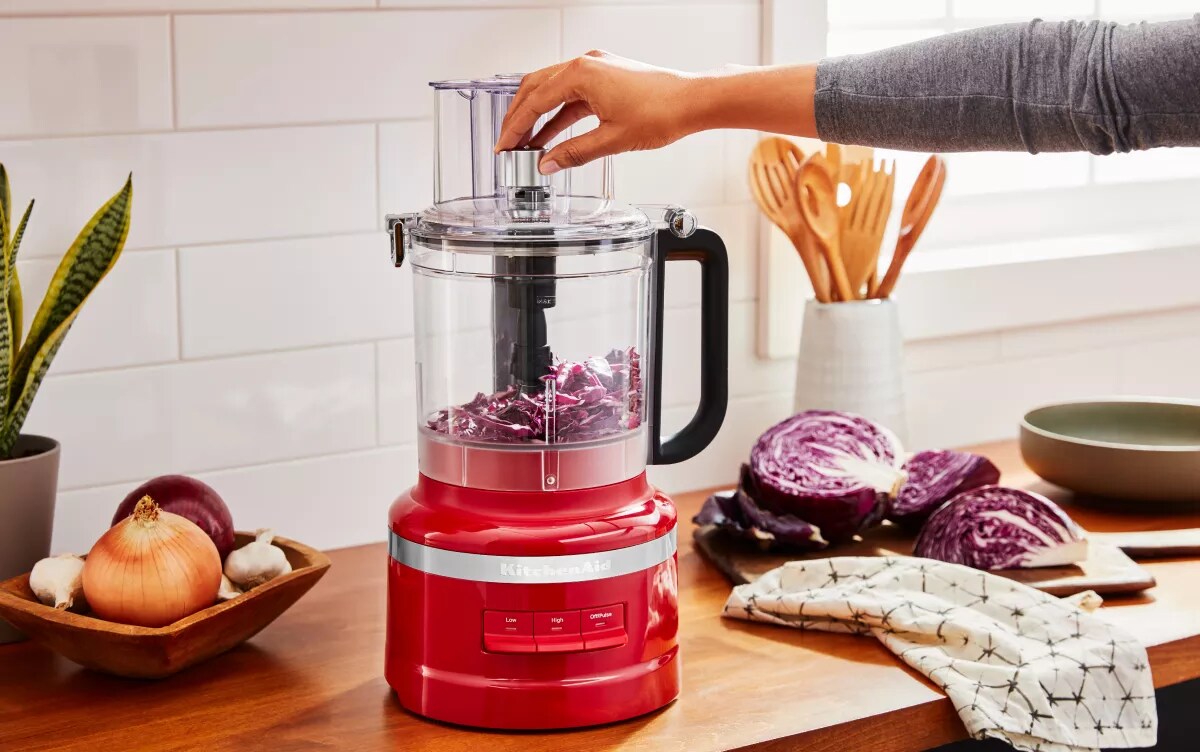
Lubricate moving parts regularly to keep the machine running smoothly. Use food-safe oil on the motor shaft and other moving pieces. This stops squeaks and wear.
Credit: www.kitchenaid.com
Safety Reminders
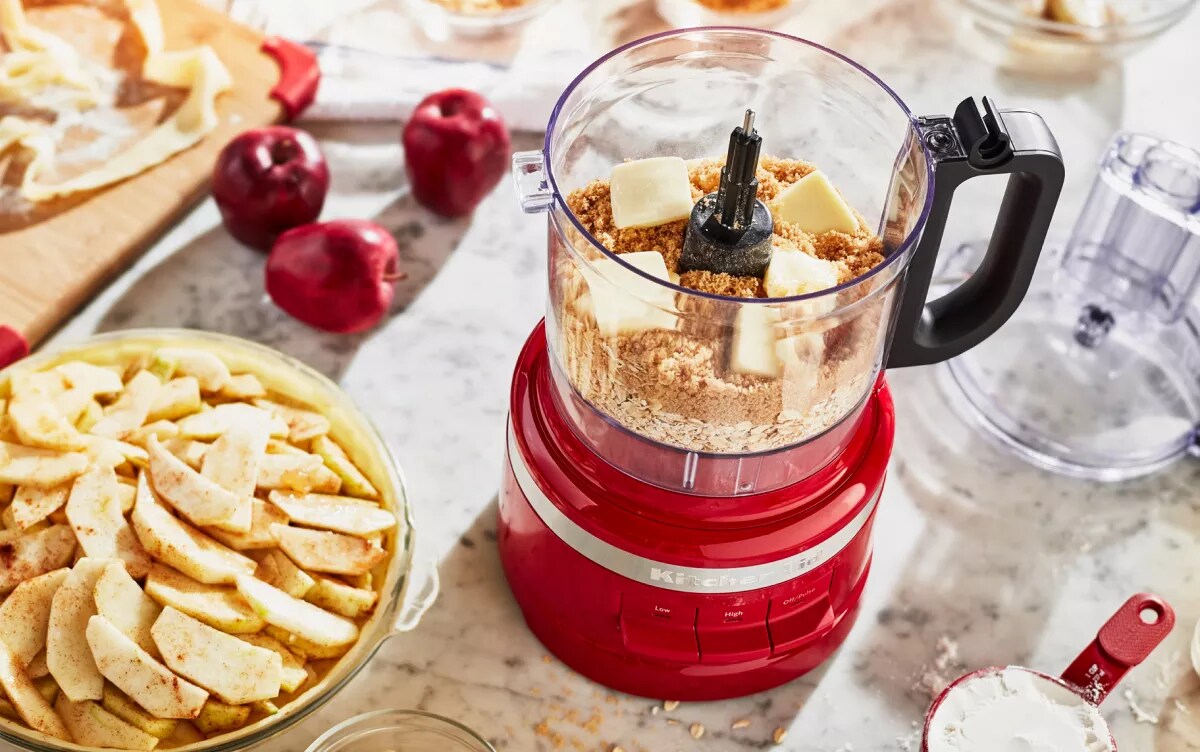
Overloadingthe food processor can cause motor damage. Always keep the bowl under the maximum fill line. Too much food makes the machine work harder and may stop it.
- Use only recommended accessoriesfor your model.
- Wrong blades or parts can cause damage or poor results.
- Check the manual for the right attachments.
Follow the manufacturer’s guidelinescarefully. These include cleaning, operating, and storage instructions. Ignoring them can lead to safety risks or reduce the machine’s life.
Credit: www.kitchenaid.com
Frequently Asked Questions
Why Is My Full-size Food Processor Not Turning On?
Check if the processor is properly plugged in and the power outlet works. Ensure the lid is locked securely. Overload protection may have activated, so unplug and wait a few minutes before restarting.
How To Fix Food Processor Blades Not Spinning?
Make sure the bowl and lid are correctly aligned and locked. Clear any food debris blocking the blade. Avoid overfilling, as excess food can prevent blade movement.
What Causes My Food Processor To Overheat Quickly?
Continuous use without breaks can cause overheating. Allow the motor to cool after 3-5 minutes of operation. Clean vents regularly to prevent dust buildup, which restricts airflow.
Why Is My Food Processor Leaking Liquid?
Check for cracks in the bowl or lid seal. Overfilling or processing very watery foods can cause leaks. Always avoid exceeding the maximum fill line.
Conclusion
Troubles with a full-size food processor don’t have to stop your cooking. Small fixes often solve common problems quickly. Check the blades, motor, and power connections first. Clean parts regularly to keep the machine running smoothly. Remember, safety matters when handling sharp or electrical components.
Taking these steps helps your food processor last longer. Keep this guide handy for easy reference anytime. Cooking becomes easier with a working food processor by your side.