

Is your Hamilton Beach slicer not working the way it should? You rely on it to make your meal prep quick and easy, so when it stops slicing smoothly, it can be frustrating.
But don’t worry—you’re not alone, and most issues are easier to fix than you think. In this guide, you’ll discover simple troubleshooting tips to get your slicer back in top shape. Keep reading, and you’ll be slicing like a pro again in no time.
Common Hamilton Beach Slicer Issues
Blade not rotatingcan happen if the slicer is not assembled properly. Check if the blade is locked in place. Dirt or food bits may block the blade. Clean the slicer carefully to remove debris. The motor might be jammed; unplug and try to turn the blade by hand gently.
Uneven slicingoften results from a dull or damaged blade. Replace the blade if it looks worn out. Make sure the food is placed flat and steady on the slicer. Use the thickness dial correctly to get even slices every time.
Motor overheatingcan stop the slicer from working well. Avoid running the slicer for too long without breaks. Check for any blockages that make the motor work harder. Let the slicer rest if it feels hot to touch.
Power issuesmay be caused by a loose plug or faulty outlet. Check the power cord for damage and secure connections. Try using a different power socket to see if the slicer turns on. If the slicer still won’t start, the internal fuse might need replacement.

Credit: www.amazon.com
Quick Fixes For Blade Problems
First, unplug the slicer for safety. Carefully remove the blade. Use warm, soapy water to clean it. A soft sponge works best. Make sure to remove all food bits. Rinse the blade well. Dry with a clean towel. This keeps it from rusting.
Check if the blade is off-center. Loosen the screws holding the blade. Gently adjust the blade position. Tighten the screws again. Ensure the blade is snug and secure. This helps it slice evenly.
Use a proper sharpening tool. Follow the slicer’s manual for guidance. Sharpen both sides of the blade. Keep strokes even and gentle. Test the blade on a soft item. Ensure it slices smoothly. Regular sharpening keeps blades effective.
Resolving Motor And Power Faults
Check if the slicer is plugged into a working outlet. Try another outlet to rule out power issues. Make sure the power cord is not damaged or loose.
To reset the motor, unplug the slicer and wait a few minutes. This cools down the motor and clears minor faults. Plug it back in and test the slicer again.
Overloading can cause the motor to stop. Avoid slicing very hard or thick items all at once. Cut smaller pieces to keep the motor running smoothly.

Credit: www.amazon.com
Maintenance Tips For Longevity
Keep the slicer clean after every use. Remove all food particles to prevent buildup. Use a soft cloth and mild soap. Avoid harsh chemicals that can damage parts. Dry all pieces thoroughly to stop rust and mold.
Store the slicer in a dry, cool place. Cover it to protect from dust. Make sure all parts are dry before storing to avoid damage.
| Lubrication Area | Type of Lubricant | Frequency |
|---|---|---|
| Blade shaft | Food-safe oil | Once a month |
| Moving parts | Light machine oil | Every 3 months |
Lubricate only with recommended oils. Avoid over-lubrication; it can attract dirt. Proper lubrication keeps the slicer working smoothly.
When To Seek Professional Repair
Serious damageoften shows as unusual noises or sparks during use. If the slicer stops working or smells burnt, it needs expert help. Cracks in the blade or housing also mean it’s time for repair. Avoid using a damaged slicer to prevent injury.
Check if the slicer is still under warranty. Many brands offer repair or replacement services within the warranty period. Contact Hamilton Beach customer service for guidance. Keep your purchase receipt handy for faster support.
| Issue | Possible Action | Warranty/Service Note |
|---|---|---|
| Unusual noise or sparks | Stop using and seek repair | Check warranty for free service |
| Blade cracks or damage | Replace or repair by pro | May be covered if under warranty |
| Motor failure or no power | Contact customer support | Service options vary by model |
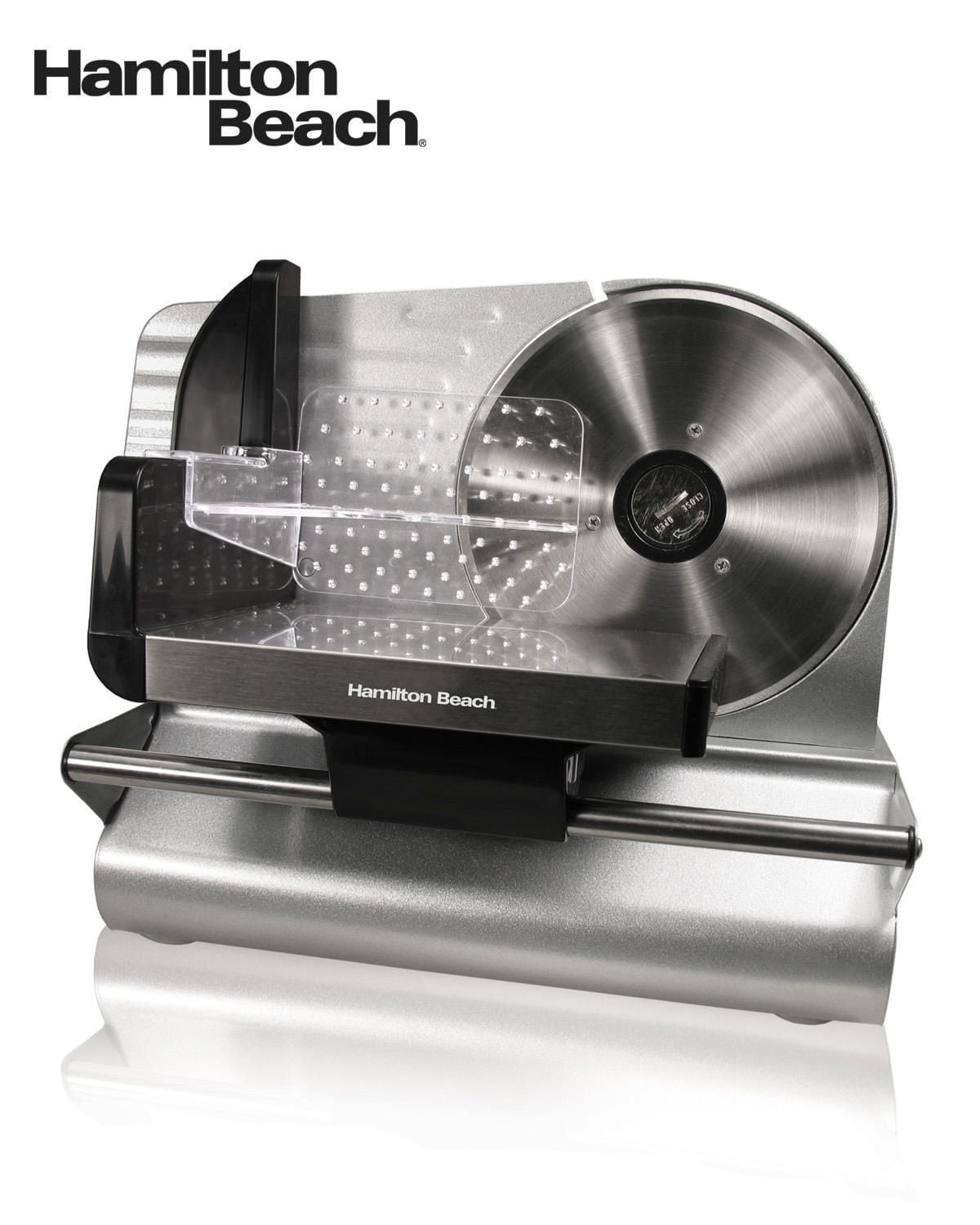
Credit: www.walmart.ca
Frequently Asked Questions
How Do I Fix My Hamilton Beach Slicer Not Turning On?
Ensure the slicer is properly plugged in and switched on. Check the safety lock is engaged. Clean any food debris blocking the motor or blade. If it still won’t start, inspect the power cord for damage or contact customer support.
Why Is My Hamilton Beach Slicer Blade Not Spinning?
The blade may be jammed by food particles. Unplug the slicer and carefully clean around the blade. Ensure the blade is securely attached. If the motor runs but the blade doesn’t spin, the drive belt might be broken or worn out.
How Can I Sharpen The Hamilton Beach Slicer Blade?
Most Hamilton Beach slicers have self-sharpening blades that maintain their edge during use. If the blade becomes dull, refer to your user manual for instructions. Avoid using external sharpeners unless recommended by the manufacturer to prevent damage.
What Causes The Hamilton Beach Slicer To Make Loud Noises?
Loud noises can be caused by loose parts or debris caught in the blade. Turn off and unplug the slicer, then clean it thoroughly. Tighten any loose screws or components. If noise persists, the motor or blade assembly may need professional repair.
Conclusion
Hamilton Beach slicers can have common issues, but most are easy to fix. Regular cleaning and careful use help avoid problems. Check the blade and motor if the slicer stops working. Always follow safety steps while handling the device. Keeping your slicer in good shape saves time and effort.
Troubleshooting guides make repairs simple and quick. Stay patient and try these tips before seeking professional help. Your slicer will work smoothly with little care and attention.