
Imagine having a microwave that knows exactly how long to cook your food without you having to guess. That’s the magic of sensor cooking on a smart microwave!
If you’ve ever found yourself frustrated by unevenly heated meals or the mystery of whether your popcorn bag will pop to perfection, you’re in the right place. By using sensor cooking, you take the guesswork out of meal prep, ensuring perfectly cooked food every time.
You’ll discover how easy it is to use this amazing feature on your smart microwave. Get ready to unlock the secret to hassle-free cooking and elevate your kitchen game effortlessly. Stay with us, and you’ll wonder how you ever cooked without it!
Benefits Of Sensor Cooking
Sensor cooking is very helpful. It makes cooking easier and safer. Smart microwaves can sense the heat and steam. This helps in cooking food evenly. No more guessing cooking time. The microwave does it for you. Your food will not burn or overcook.
Energy is saved too. The microwave stops when food is ready. This means less electricity use. You can also cook different foods. From vegetables to popcorn, it works well. Enjoy tasty meals with less effort. Sensor cooking is a great kitchen helper.
How Sensor Cooking Works
Sensor cooking is a smart feature in microwaves. It uses humidity sensors to check food’s steam. This helps determine cooking time. The microwave adjusts power and time automatically. This means less guessing for you. It makes cooking easier and food tastes better. No need to set the time manually. Just press the sensor cooking button. Watch as the microwave does its magic. The result? Perfectly cooked meals every time.
Only certain foods work with sensor cooking. Steaming foods like vegetables are ideal. Foods with lots of moisture are best. Dry foods might not cook well. Follow your microwave’s guide for best results. Always use microwave-safe containers. Keep lids loose to let steam escape. Microwave safety is important. Enjoy stress-free cooking with this smart feature.
Setting Up Your Smart Microwave
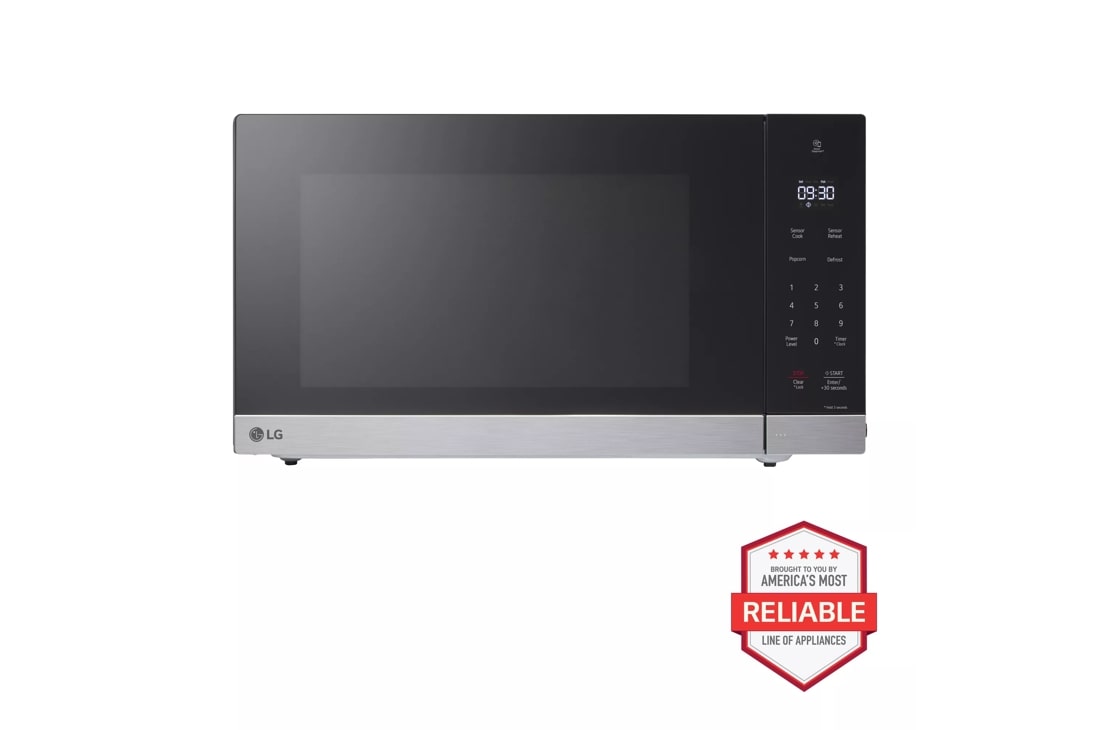
First, plug in your smart microwave. Ensure the power is on. Locate the settings button on the microwave. Press it to begin setup. Follow the on-screen instructions. These steps help configure the microwave. Adjust the language setting if needed. Select the correct time zone. This ensures accurate time display.
Press the Wi-Fi button on the microwave. Open the Wi-Fi settings on your phone. Look for the microwave’s network name. Connect your phone to this network. Enter the password shown on the microwave screen. Wait for the connection to complete. Once connected, the microwave can receive updates. It can also sync with smart devices. Ensure your Wi-Fi signal is strong.
Credit: www.raysappliances.com
Exploring Sensor Cooking Features
Smart microwaveshave a cool feature called sensor cooking. This feature makes cooking easier. It knows what food you put inside. The microwave can adjust cook timesautomatically. This means your food will be cooked just right. No more guessing or checking often.
Sensor cooking uses special technology. It can detect steam from the food. The microwave understands how much time your food needs. This helps in cooking meals perfectly. Families love this feature. It saves time and avoids burnt food.
Mastering Sensor Cooking Techniques
Smart microwaves can cook vegetables, meats, and grainseasily. Each food needs different settings. Vegetables need less time. Meat requires careful cooking. Grains need steady heat.
Use sensor cooking to adjust automatically. It makes cooking easy. No need to guess the time. Choose the correct food type. Press the button. The microwave does the rest. It checks moisture. Adjusts heat for perfect cooking.
- Place food evenly on the plate.
- Cover food to keep moisture.
- Use dishes that fit the microwave.
- Ensure food is not frozen.
- Check food halfway through cooking.
These tips help in cooking food evenly. The microwave works best with these practices. Always follow instructions. Your food will taste better.
Troubleshooting Common Issues
Smart microwaves often use sensor cooking for precise results. To troubleshoot, ensure sensors are clean and settings correct. Adjust cooking times if food is not evenly cooked.
Sensor Errors
Sensor errors can happen in smart microwaves. They may show on the display. Blocked sensors can cause errors. Check the microwave for dirt or food bits. Clean the sensor gently with a soft cloth. Restart the microwave after cleaning. This might fix the error.
Uneven Cooking
Food might cook unevenly sometimes. Placement of food is key. Put food in the center of the microwave. Avoid overloading the microwave. Use a plate that fits well. Rotate food halfway through cooking. This helps spread heat evenly. Stir soups and liquids often for better results.
Maintenance And Care
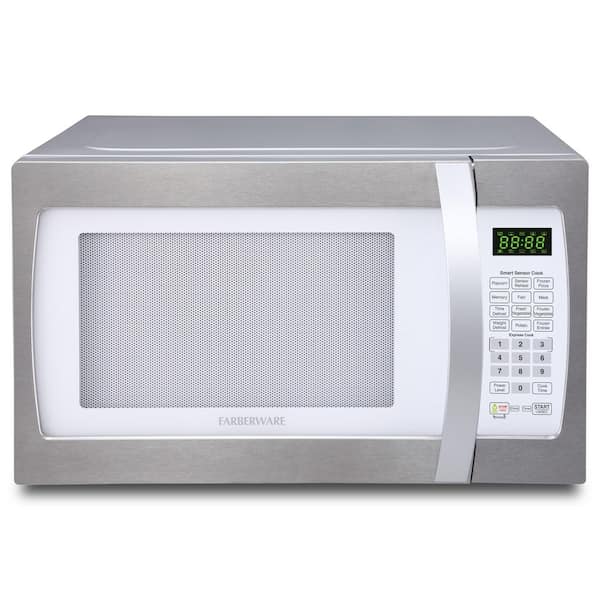
Keep your smart microwave clean for the best cooking experience. Wipe the exterior with a damp cloth. Avoid using harsh chemicals that can damage the surface. Clean the interior with a soft sponge. Use warm, soapy water to remove food spills. Rinse thoroughly and dry with a soft towel. Ensure the vents are clear of dust. Remove the turntable and wash it by hand. Check regularly for any signs of wear and tear.
Check for software updates regularly. Connect your microwave to Wi-Fi if needed. Visit the manufacturer’s website for update instructions. Update ensures your microwave works properly. Follow simple steps to install updates. Keep the firmware up to date for new features. Ensure updates run smoothly by not turning off power. Contact support if you face any issues during updates.
Credit: www.homedepot.com
Credit: www.lg.com
Frequently Asked Questions
How To Use Sensor Cooking Microwave?
Place food in the microwave and select the sensor cooking mode. Follow on-screen prompts for food type and weight. The microwave automatically adjusts cooking time based on humidity levels, ensuring optimal results. Always ensure the microwave door is closed properly for accurate sensor readings.
How Does Sensor Cook Work On Samsung Microwave?
Samsung microwave’s sensor cook uses humidity sensors to detect moisture levels. It adjusts cooking time and power automatically for optimal results. This feature ensures evenly cooked food without manual settings, simplifying the cooking process. Just select the sensor cook option, and the microwave manages cooking for you efficiently.
Is Sensor Cooking On A Microwave Worth It?
Sensor cooking on a microwave is worth it. It automatically adjusts time and power for perfect results. This feature enhances convenience, prevents overcooking, and ensures consistent quality. Sensor cooking simplifies meal preparation, making it a valuable addition to modern kitchens for busy households.
How To Use Sensor Cook On Lg Microwave?
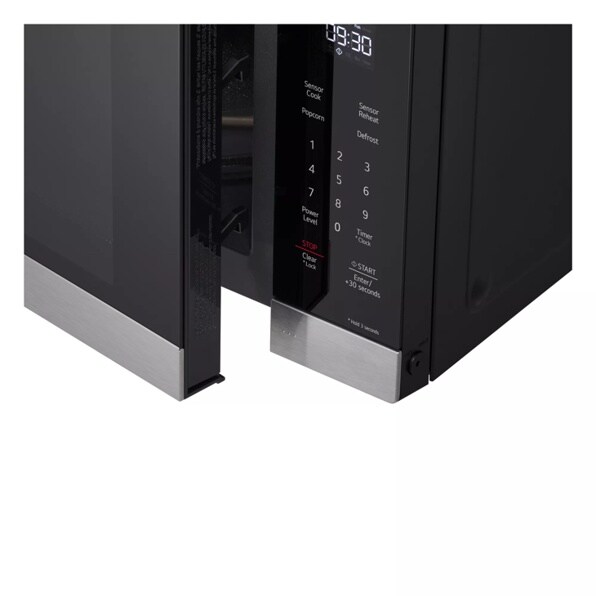
Press “Sensor Cook” on the LG microwave. Select the desired food type and weight. Start the cooking process. The microwave automatically adjusts time and power for optimal results.
Conclusion
Smart microwaves make cooking easier. Sensor cooking is a great feature. It adjusts time and power. So, your food cooks perfectly every time. No more guessing or checking. Just set it and relax. This feature saves time and reduces stress.
Great for busy days. Follow the steps above. Enjoy perfect meals with ease. Make the most of your smart microwave. Happy cooking!