

Have you ever been in the middle of cooking a delicious meal, only to have your trusty meat thermometer flash an error message at you? It’s frustrating, right?
You rely on this small gadget to ensure your meat is cooked to perfection, and now it’s acting up. But don’t worry, you’re not alone. Many people face this issue and find themselves puzzled, wondering what went wrong. We will delve into the common reasons why your meat thermometer might be showing an error and, more importantly, how you can fix it.
By the end, you’ll have the knowledge to troubleshoot the problem with ease and get back to cooking like a pro. Stay with us, because understanding this little device better will save you time, stress, and possibly even your next meal!
Common Meat Thermometer Errors
Sensor malfunctionhappens when the probe is broken or dirty. This stops the thermometer from reading temperature correctly. Sometimes the sensor is loose or damaged inside the device.
Battery issuescause errors if the power is low or the battery is dead. Weak batteries can make the display flicker or show strange codes. Always check and replace batteries regularly.
Calibration problemsarise if the thermometer is not set right. Over time, the device may need recalibration to give accurate readings. Following the manufacturer’s guide helps fix this.
Environmental factorslike extreme heat or cold affect the thermometer’s performance. Using the device in very hot or cold places can cause errors. Also, moisture or dirt on the probe can interfere.
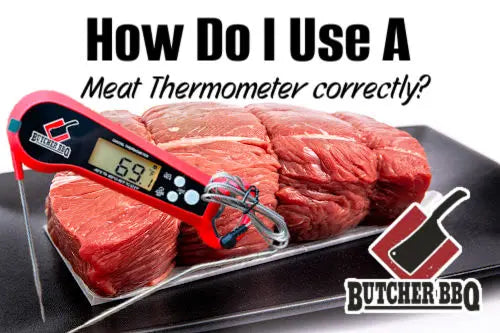
Credit: butcherbbq.com
Quick Fixes For Sensor Issues
Cleaning the probehelps remove dirt and food bits. Use a soft cloth and warm soapy water. Avoid harsh chemicals that can damage the sensor. Dry the probe well before using it again.
Checking for damagemeans looking for cracks or bends. A broken probe can cause errors. Make sure the wire is intact and the tip is straight. Damaged parts may need replacing.
Resetting the devicecan clear temporary glitches. Turn off the thermometer, wait a few seconds, then turn it back on. This simple step often fixes sensor errors quickly.
Battery Troubleshooting
Replacing the battery can fix many error messageson a meat thermometer. Use a small tool to open the battery compartment. Remove the old battery carefully. Insert a new battery with the correct positive (+) and negative (-) sidesfacing the right way. Close the compartment securely.
Battery contact cleaning helps if the thermometer still shows errors. Dirt or rust on contacts can block power. Use a small piece of cotton or a soft clothwith a little rubbing alcohol. Gently clean the metal contacts inside the battery compartment. Let them dry before inserting a new battery.
- Use the battery type recommended by the manufacturer.
- Common types include AAA, AA, or coin cell batteries.
- Wrong batteries can cause errors or damage the device.
- Check the battery voltage matches the thermometer’s needs.
Calibration Tips
Errors on meat thermometers often happen due to improper calibration or sensor damage. Checking the battery and recalibrating with ice water can fix many common issues. Regular calibration keeps readings accurate and prevents cooking mistakes.
Ice Water Method
Fill a glass with crushed ice and add cold water. Stir well. Insert the thermometer probe into the ice water without touching the sides. Wait for the reading to stabilize. It should show 32°F (0°C). If not, adjust the thermometer to this temperature.
Boiling Water Method
Boil fresh water in a pot. Insert the thermometer probe into boiling water without touching the pot. Wait for the reading to stabilize. It should read 212°F (100°C)at sea level. Adjust the thermometer if the reading is off.
Using Calibration Tools
Calibration tools like reference thermometers or calibration baths offer precise temperature settings. Place your thermometer alongside a reference device. Compare readings and adjust your thermometer accordingly for accurate results.
Preventing Future Errors
Storing your meat thermometer in a dry, cool place helps avoid damage. Moisture can cause the device to malfunction or show errors. Keep it away from direct sunlight and heat sources to protect its sensor and battery.
Regular cleaning is key. Wipe the probe gently after each use to remove food residue. Check the battery and replace it as needed. This keeps the thermometer working well and prevents false error messages.
Extreme cold or heat can harm the thermometer. Avoid leaving it in the freezer or near hot pans. Sudden temperature changes may confuse the sensor and cause errors. Handle it carefully to ensure accurate readings.

Credit: themeatstick.com
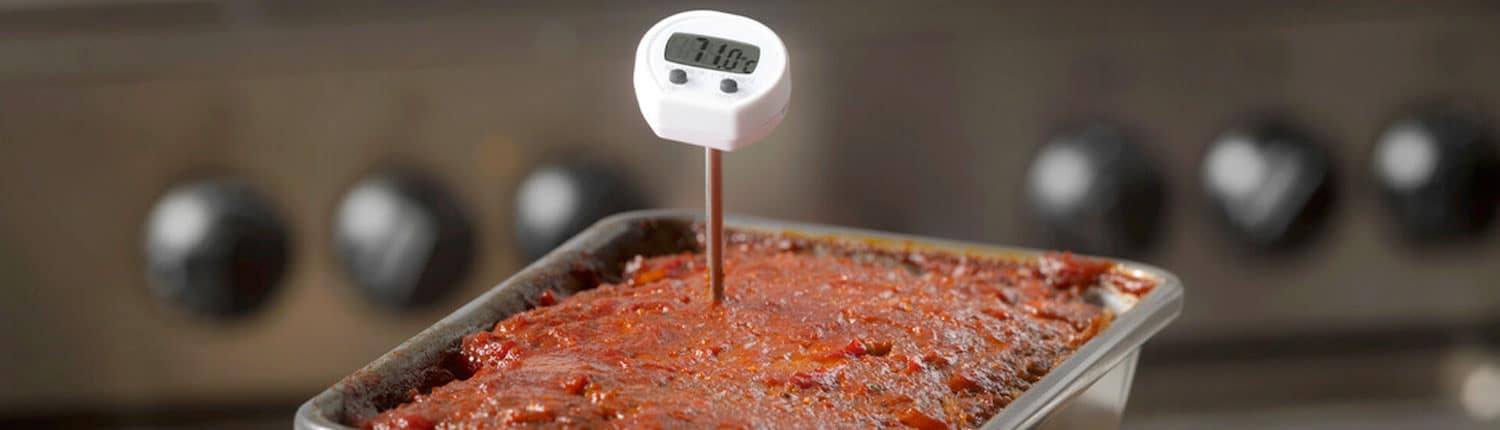
Credit: canadabeef.ca
Frequently Asked Questions
Why Does My Meat Thermometer Show An Error Message?
A meat thermometer shows an error when the sensor malfunctions or the probe is not inserted correctly. It can also happen due to battery issues or extreme temperatures beyond its range.
How Can I Fix A Meat Thermometer Error Code?
To fix an error, clean the probe and check battery levels. Reinsert the probe fully and reset the thermometer if possible. If errors persist, consult the user manual or replace the device.
Can Temperature Extremes Cause Meat Thermometer Errors?
Yes, very high or low temperatures can cause errors. Most thermometers have a specific temperature range. Exceeding that range may trigger an error or inaccurate readings.
Why Is My Digital Meat Thermometer Not Reading Temperature?
A digital thermometer may fail if the probe is damaged, dirty, or not connected properly. Low batteries or faulty electronics can also cause no reading or errors.
Conclusion
A meat thermometer showing error can cause confusion. Check the battery first; weak power often causes issues. Make sure the probe is clean and properly inserted. Avoid extreme temperatures that might damage the device. Resetting the thermometer can help fix small glitches.
Regular care extends the life of your tool. Understanding these simple steps saves time and frustration. Keep cooking safe and accurate with a working thermometer. Don’t let errors spoil your meal or mood. Take a moment to troubleshoot and enjoy better results.