
Imagine this: it’s a busy weekday, and you’re juggling work, family, and a million other tasks. Wouldn’t it be amazing to have dinner ready just when you need it, without lifting a finger?
Enter the smart oven—a game-changer in your kitchen that promises to make your life easier. With the ability to schedule your cooking, this innovative appliance can free up your time and reduce stress. You’ll discover simple, step-by-step instructions on how to schedule cooking on a smart oven.
We’ll show you how to harness its full potential, ensuring you get perfectly cooked meals, every time. Whether you’re tech-savvy or a total beginner, this guide is tailored just for you. So, why not take a moment to learn how to make your smart oven work for you, and transform your daily routine into a seamless experience? Read on, and unlock the secret to effortless cooking today!
Credit: cosori.com
Choosing The Right Smart Oven
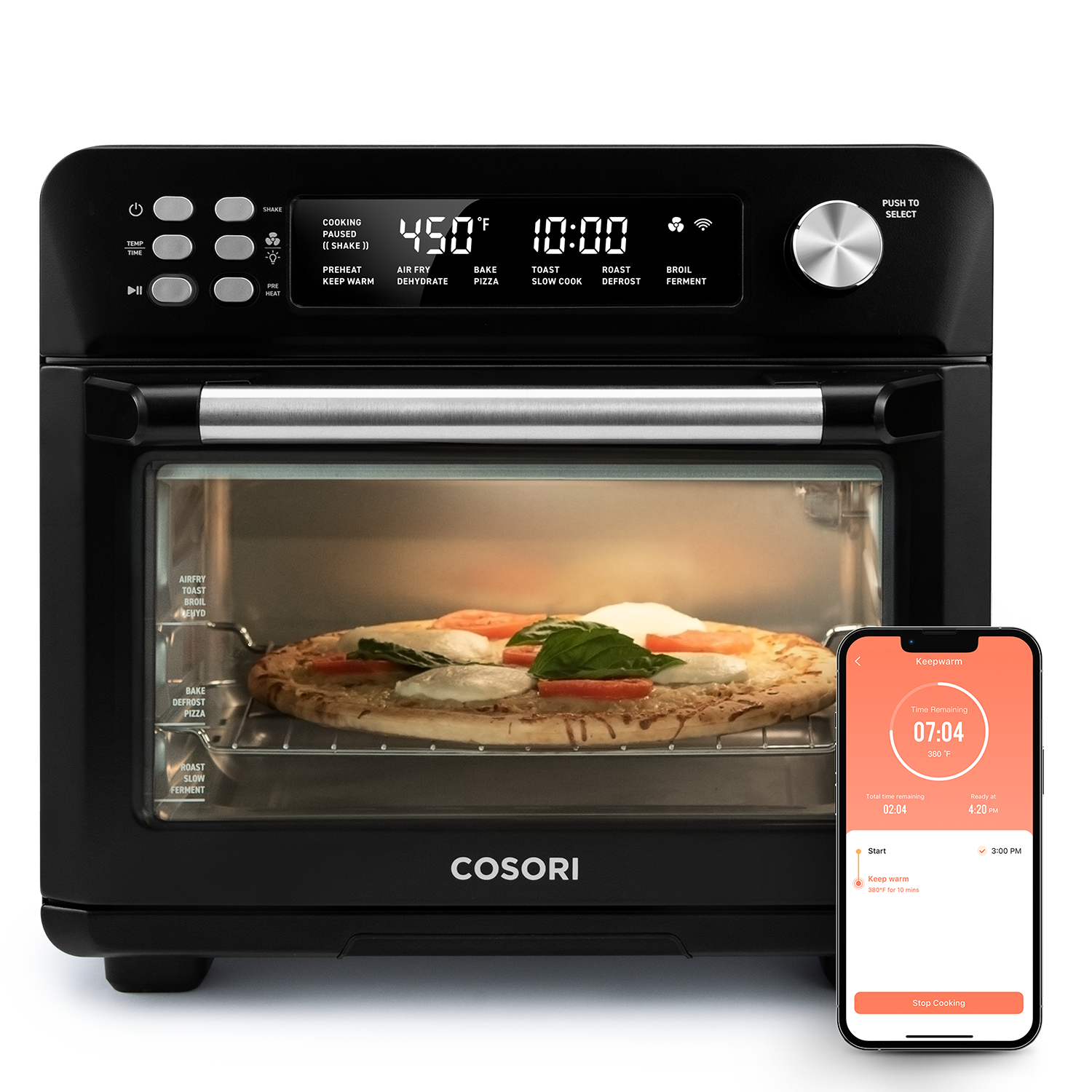
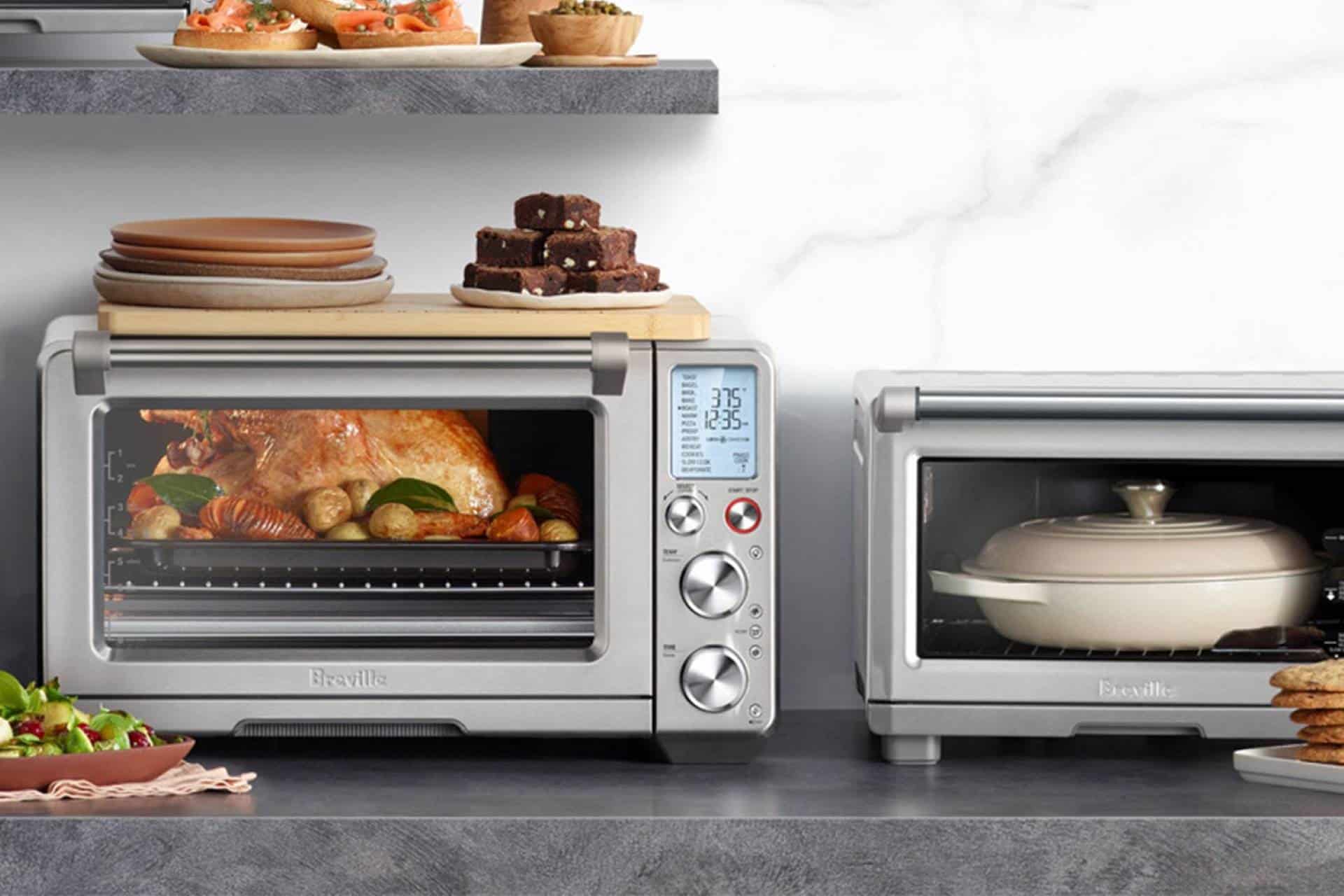
Smart ovens come in different sizes and features. Check the size that fits your kitchen space. Consider the functions you will use often. Some ovens have Wi-Fi or Bluetooth connectivity. Others offer voice control. Energy efficiency is important to save power. Compare brands for reliability. Read reviews to know user experiences. Warranty matters for long-term use. Budget is key when buying.
Explore models with easy-to-use apps. These apps help schedule cooking times. Look for ovens with a simple interface. Touch controls are often user-friendly. Think about the oven’s capacity. Large ovens can cook more dishes at once. Safety features like auto shut-off are crucial. Choose wisely for a happy cooking experience.
Credit: learn.surlatable.com
Setting Up Your Smart Oven
First, find the Wi-Fi settingson your smart oven. Follow the instructions to connect. Make sure the Wi-Fi signal is strong. This helps your oven work better.
Next, enter your Wi-Fi password. Your oven will try to connect. If it fails, check the password. Try again if needed. Once connected, you can control the oven from anywhere.
Download the smart oven appon your phone. Use the app store for this. It’s free and easy to find.
Open the app after downloading. Sign in or create an account. Follow prompts to add your oven. Now, you can schedule cooking easily. The app lets you set cooking times and recipes.
Exploring Cooking Modes
Smart ovens offer many preset cooking programs. These programs make cooking easy. Just select the dish type. The oven sets the time and temperature. You can cook pizza, chicken, or vegetables. Each program is designed for perfect results. The oven knows how long to cook each dish. No need to guess anymore. You can trust the oven’s settings. This saves time and effort.
You can customize the settingsfor each dish. Set your own temperature and time. This is useful for special recipes. Some dishes need specific settings. You can save your favorite settings. Use them next time you cook. This gives you control over your cooking. You can make food just the way you like it. The oven remembers your preferences.
Scheduling Cooking Times
Smart ovens come with an app. This app lets you schedule cooking times easily. Open the app and choose your recipe. Set the start and end times. The oven will cook the meal at the right time. Notifications remind you when cooking starts and ends. Adjust settings anytime through the app. No need to be in the kitchen.
Manual scheduling is possible too. Use the oven’s control panel. Set the temperature and time manually. Choose the cooking mode. Press start when ready. You can pause cooking if needed. Use the timer for precision. Simple and direct. Feel like a chef without extra tools.
Monitoring Cooking Progress
Smart ovens send real-time notifications to your phone. You always know what’s happening inside the oven. Alerts come when cooking is done. Notifications tell you if something needs attention. You can check cooking progress anytime.
Changes can be made anytime. You can lower the temperature if food cooks too fast. Increase it if food needs more heat. Smart ovens make adjustments easy. You stay in control from start to finish.
Troubleshooting Common Issues
Smart ovens need a strong Wi-Fi connection. Check if the oven is near the router. This helps the oven connect better. Try restarting your router. This can fix many issues. If the oven still doesn’t connect, reset its settings. Follow the manual for the steps. Make sure the oven’s software is up-to-date. Updates can fix bugs and improve connections.
Sometimes the app might not work well. First, check for any app updates. Updates can fix problems. Restart your phone and try again. This often helps. Clear the app’s cache in the phone settings. This can remove old data that causes issues. If the problem persists, reinstall the app. This gives you a fresh start. Always ensure your phone’s operating system is current.
Maintenance And Care
A clean oven works better. Always unplug before cleaning. Use a soft cloth and mild soap. Avoid harsh chemicals. They can damage the oven. Clean the glass door with vinegar and water. Rinse with clean water. Dry with a soft towel. Check the oven racks. Remove them and wash in warm soapy water. Dry them well before putting back. Clean spills immediately. This prevents stains and bad smells.
Smart ovens have software. It helps them work well. Check for updates often. Updates fix problems and add features. Connect the oven to Wi-Fi. Follow the guide to update software. Keep the oven’s software up to date for best results. If updates fail, try again later. Or ask for help from the oven’s support team. Keeping software updated ensures safe cooking.

Credit: www.tasteofhome.com
Exploring Advanced Features
Smart ovens can listen to your voice. You can say simple commands. Turn on the oven. Set the temperature. Start the timer. This is very helpful. Your hands might be busy. Cooking is easier with voice control.
Smart ovens can suggest recipes. They have many choices. Try new dishes. Cook healthy meals. Follow easy steps. Get perfect results every time. You can choose recipes based on ingredients. Save time in the kitchen.
Benefits Of Scheduled Cooking
Scheduled cooking helps manage time efficiently. It allows you to set a timer for your meals. This means you can do other tasks while cooking. It saves you from constantly checking the oven. You can plan your day better. Knowing when your food will be ready is helpful. You can enjoy more free time.
Smart ovens use less energy. Scheduling your cooking reduces wasted energy. The oven heats only when needed. This saves electricity and money. Cooking at off-peak times can lower your bills. It is better for the environment too. Smart ovens are a smart choice for every home.
Frequently Asked Questions
How Do I Set My Oven To Come On At A Certain Time?
To set your oven to start at a specific time, consult the manual for instructions. Use the timer function by selecting the desired start time and cooking duration. Ensure the clock is set correctly. Different models may have varying procedures, so refer to your oven’s guide for precise steps.
How To Set Time On A Smart Things Oven?
To set the time on a Smart Things oven, press the “Menu” button. Select “Settings” and choose “Time. ” Adjust the hour and minutes using the dial or buttons. Confirm the time by pressing “OK” or “Set. ” Ensure the oven is in standby mode during setup.
How To Set Delay Cook On Samsung Oven?
To set delay cook on a Samsung oven, press “Delay Start,” enter the desired cooking time, and confirm. Adjust temperature and cooking mode, then press “Start” to activate the delay. Ensure the clock is set correctly for accurate timing.
How To Operate A Smart Oven?
To operate a smart oven, first read the manual. Turn it on using the power button. Select cooking mode via the touch panel or app. Set temperature and cooking time. Monitor cooking progress on the display or app. Use voice commands if supported.
Always follow safety guidelines.
Conclusion
Smart ovens simplify cooking with easy scheduling options. Set times, select recipes, and relax. Meal prep becomes effortless. Enjoy more family time. Experiment with new dishes without stress. Smart ovens adjust automatically, ensuring perfect meals every time. No more overcooked dinners.
Discover the convenience of modern cooking. Upgrade your kitchen routine today. Embrace technology in the heart of your home. Cooking becomes a joy, not a chore. Try it, and see the difference. You’ll appreciate the ease and efficiency. Smart ovens make life simpler.
Embrace the change. Cook smarter, not harder.