
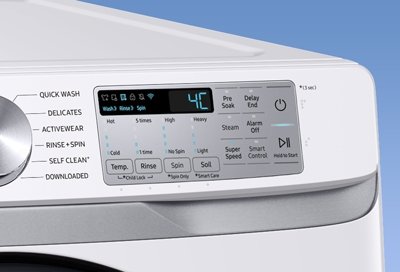
Your smart dishwasher is supposed to make life easier, right? But what happens when it starts flashing error codes, leaving you frustrated and with a pile of dirty dishes?
Don’t worry; you’re not alone in facing these hiccups. Understanding what’s going wrong can save you time, money, and a lot of headaches. This guide is designed to help you quickly get to the bottom of those pesky error messages.
Whether it’s a minor glitch or a more serious issue, you’ll learn how to troubleshoot and fix it yourself. Imagine the satisfaction of resolving the problem without waiting for an expensive service call. Dive into this article, and discover how simple it can be to take control of your smart dishwasher’s errors. With just a bit of know-how, you can keep your kitchen running smoothly and efficiently.
Common Error Codes
Smart dishwashers often show error codes. These codes help in finding problems. Each code has a unique symbol. Symbols can be letters or numbers. E1 might mean a water issue. F2 could point to a drainage problem. Symbols are like secret messages. Understanding them is key.
| Error Code | Meaning |
|---|---|
| E1 | Water supply issue |
| F2 | Drainage problem |
| F7 | Heating element failure |
| E4 | Overflow detected |

Credit: www.instagram.com
Power Supply Issues
Check if the dishwasher is plugged in. Ensure the plug is secure. Inspect the power cord for damage. Look for frayed wires or cuts. Test the wall outlet with another device. This ensures the outlet works. Use a voltage tester for safety. Confirm electricity reaches the dishwasher. Examine circuit breakers and fuses. Reset if tripped or blown.
Unplug the dishwasher from the power source. Wait for about five minutes. Plug it back into the outlet. This helps reset the system. Check if the display lights up. Look for any error codes. Consult the user manual. Follow instructions for specific errors. Press the reset button if available. This may clear some error codes. Ensure all connections are tight.
Water Inlet Problems
Experiencing water inlet problems with your smart dishwasher can cause errors. Checking the water supply connections and ensuring the inlet valve functions properly are key steps in resolving these issues. Inspect for any blockages or kinks in the hose to ensure smooth water flow.
Inspecting Water Supply Valves
Check water supply valves first. These valves must be open. Closed valves stop water flow. Ensure valves are in the right position. Proper water flow is essential. Faulty valves cause dishwasher errors. Replacement may be needed if damaged. Leaky valves need fixing. Tighten any loose connections. Monitor for unusual sounds. These sounds indicate problems. Regular valve checks prevent issues.
Cleaning The Inlet Filter
Inlet filters can get blocked. Blocked filters stop water from entering. Clean filters regularly. Use a soft brush for cleaning. Remove debris from the filter. Clean filters improve water flow. Better water flow means fewer errors. Rinse filters under running water. Ensure filters are dry before placing back. Check filters for damage. Damaged filters need replacing. Clean filters are essential for smooth operation.
Credit: www.kitchenaid.com
Drainage Complications
The drain hose can get blocked easily. Food bits or grease may cause this. Check the hose for any bends or kinks. These can stop water flow. Use a flashlight to look inside the hose. If it’s clogged, you might see debris. Remove any blockages carefully. You can use a wire hanger to reach inside. Be gentle to avoid damage. Regular cleaning of the hose can prevent future clogs.
The drain pump is crucial for water removal. Listen for any strange noises. This can mean the pump is blocked. Switch off the dishwasher before checking. Look for dirt or objects near the pump. Remove anything unusual. If the pump doesn’t work, it may need replacement. Regular checks keep the pump healthy. Ensure the pump is free of debris. Clean it if necessary for smooth operation.
Sensor And Control Panel Glitches
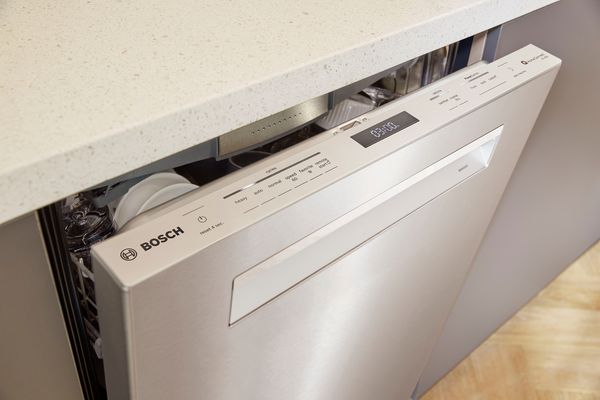
Press the power button on your dishwasher. Hold it for a few seconds. This will turn off the machine. Wait for at least 10 seconds. Then press the power button again. Your control panel should reset. If problems continue, unplug the dishwasher. Wait for one minute. Plug it back in. This may solve the issue.
Sensors help the dishwasher work correctly. Sometimes, they need a little help. Open the dishwasher door. Let it stay open for a few minutes. Close the door firmly. Run a short rinse cycle. This helps the sensors reset. If errors persist, check the user manual. Follow the manufacturer’s instructions for calibration.
Door Latch And Seal Concerns
Make sure the dishwasher door is straight and even. A crooked door can cause leaks. Check the hinges for loose screws. Tighten them with a screwdriver if needed. Look for any bent or damaged parts. Replace them to ensure a snug fit.
Close the door gently to see if it latches. If it doesn’t latch, the alignment might be off. Adjust the door until it closes firmly. This helps keep water inside during a wash cycle.
Examine the rubber seals around the door. They should be soft and flexible. If seals feel hard or cracked, water might escape. Clean them with a damp cloth to remove dirt. This helps them stay in good condition.
Replace any worn-out seals to prevent leaks. New seals are often available at appliance stores. Install them carefully, following the instructions. Proper seals keep the dishwasher working well.
Maintenance Tips
Smart dishwashers often display error codes to signal issues. Start by checking the manual for code meanings. Inspect connections and settings to resolve common problems like drainage or water flow errors.
Regular Cleaning Schedule
Clean your dishwasher often for best performance. Remove food bits from the filter weekly. Use a soft cloth to wipe the door seals. Run a cleaning cycle with vinegar monthly. This helps break down hard water build-up. Check spray arms for clogs. Use a toothpick to clear holes if needed. Keep the outside clean too. A damp cloth works well for this.
Proper Loading Techniques
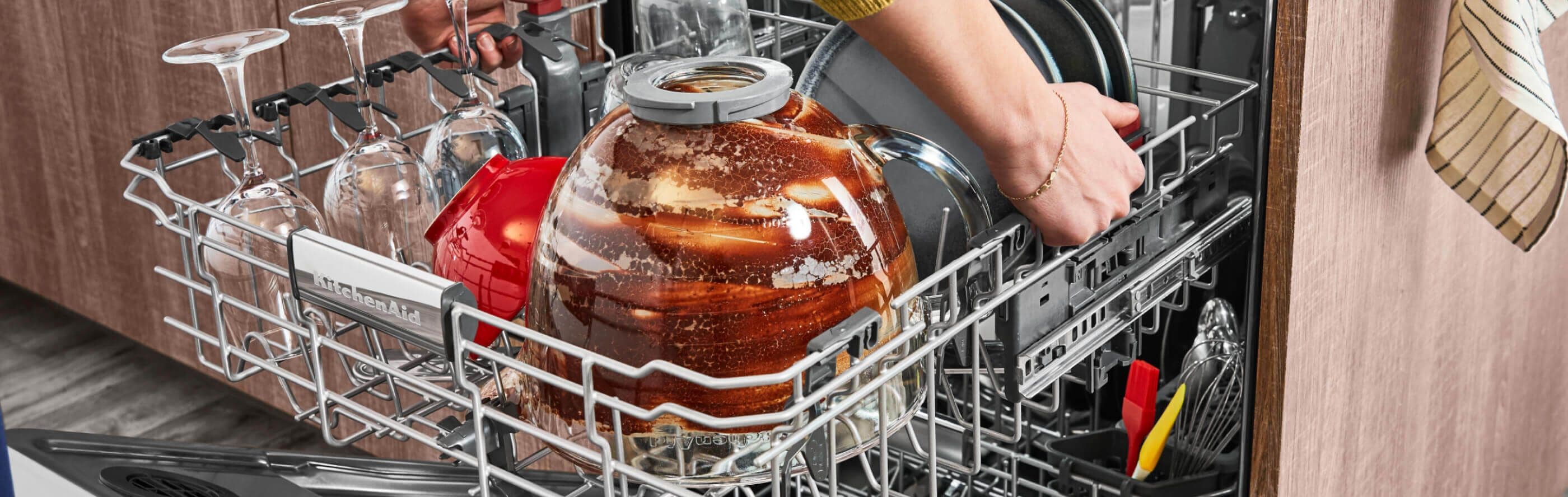
Place dishes facing the spray arms. Avoid stacking dishes too close. Leave space for water to reach each item. Use the right slots for utensils. Forks and knives go in separate slots. Avoid blocking the detergent dispenser. Large pans can block it. Adjust racks for larger items if needed. This ensures everything gets clean.
When To Call A Professional
Smart dishwashers often show error codes when they have problems. Some errors are easy to fix. Others need a professional. If the dishwasher has water leaks, it’s time to call an expert. Strange noises can mean something is broken inside. This needs a skilled person to check. Electrical issues are serious. Never try to fix them alone. Professionals know how to deal with complex wiring. If the dishwasher stops working completely, it’s best to contact a service technician. They have the right tools to fix it. Error codes that keep coming back need special attention. Experts can find hidden problems. Always ensure the dishwasher is unplugged before checking. Safety comes first.
Credit: www.bosch-home.com
Frequently Asked Questions
How To Read Dishwasher Error Codes?
Locate your dishwasher’s manual for error code meanings. Check the digital display for codes. Use manufacturer websites for further guidance.
How Do I Diagnose What’s Wrong With My Dishwasher?
Check power supply, inspect door latch, and examine spray arms for clogs. Listen for unusual noises. Verify water supply and clean filters. Consult the manual or call a technician if needed.
How To Clear Error Codes On Dishwasher?
Unplug the dishwasher for 5 minutes to reset it. Check the manual for specific error codes. Restart the machine to see if the error clears. If not, consult a professional technician for assistance. Regular maintenance can prevent recurring issues.
How Do I Reset A Smart Dishwasher?
Unplug the dishwasher or turn off its circuit breaker. Wait 5 minutes, then restore power. Press the start or reset button, if available. Refer to your user manual for model-specific instructions.
Conclusion
Smart dishwashers can show errors, but troubleshooting isn’t tough. Start by checking basic things. Look at the manual for error codes. Clean filters and drains to prevent blockages. Ensure proper loading to avoid imbalance. Reset the dishwasher if needed. Seek professional help if problems persist.
Regular maintenance can prevent many issues. Keep your dishwasher clean for better performance. Follow these tips to enjoy hassle-free washing. Understanding common errors helps you fix issues quickly. A little effort can save time and money. Happy dishwashing and smoother kitchen routines await!